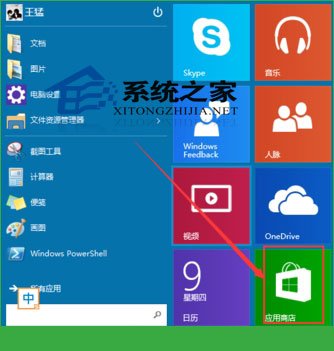
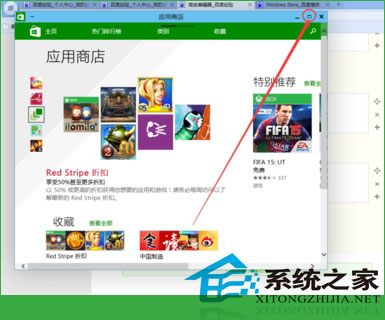
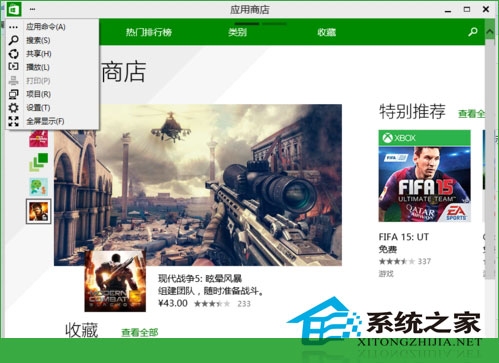
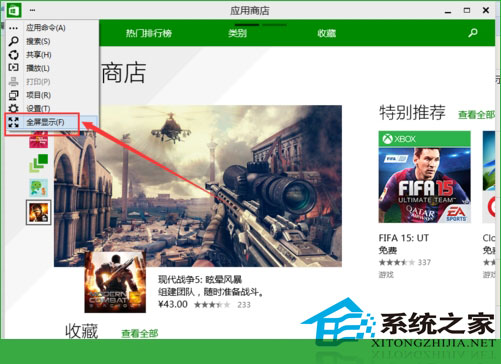
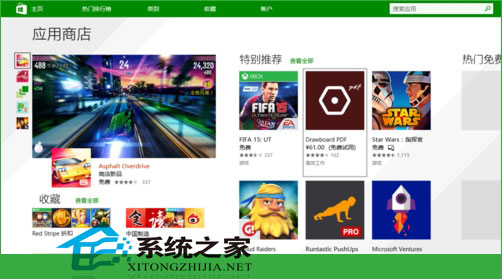
Windows 10 UWP 應用 (如商店) 預設視窗模式,可切換最大化或全螢幕模式獲得更佳瀏覽體驗。
全螢幕模式適合觸控裝置或沉浸式瀏覽應用內容。
Win10 開啟資料夾閃退怎麼解決?解除安裝最近的 Windows 更新補丁
Win10 系統管理員帳戶無法開啟現代應用程式?修改登錄啟用 UAC 虛擬化
Win10 內建 EFS 加密保護檔案/資料夾:右鍵屬性一鍵啟用,僅當前帳號可讀
Win10 創意者更新手動升級教學:使用 Windows 10 易升工具
Win10 檔案歷程記錄排除特定資料夾備份:減少備份空間與時間
升級 Win10 後網卡驅動遺失無法上網?驅動人生萬能網卡驅動包一鍵解決
Win10 無權限修改系統時間?群組原則加入帳戶授權即可解決
Win10 Edge 列印 PDF 數字亂碼 Bug 微軟確認修復中