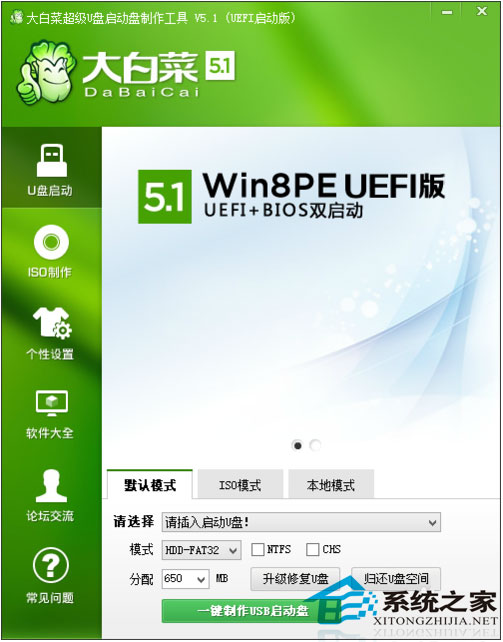
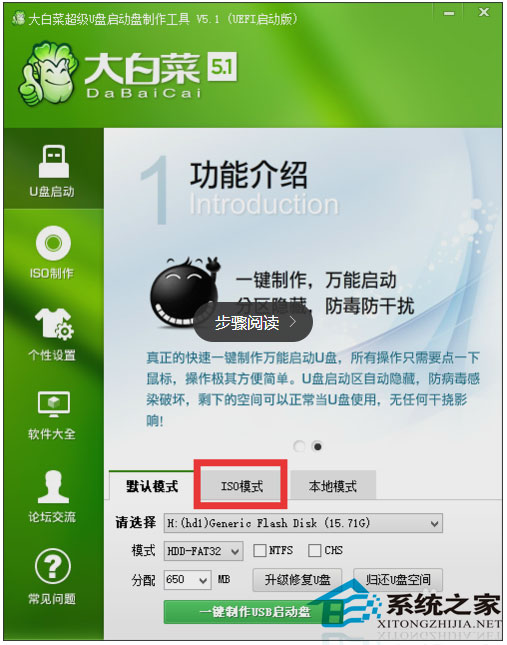
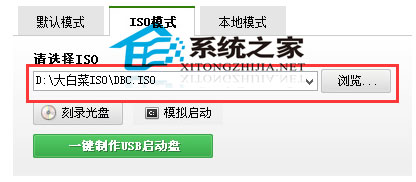
升級 Win10 失敗率高,使用 USB 開機安裝較穩定。本文以「大白菜 USB 開機製作工具」為例示範製作流程。
製作完成後,設定 BIOS 從 USB 開機即可進行乾淨安裝。
Win10 WinRAR 右鍵選單項目過多太長?勾選「階層式右鍵關聯選單」合併為單一子選單
Win10 檔案總管左側導覽列出現兩個 USB 隨身碟圖示?一鍵註冊表修復
Win 10 虛擬桌面切換操作全攻略:Task View 一鍵管理多桌面
Win10 Edge 瀏覽器收藏夾備份與還原完整指南 (手動複製資料夾 + IE 匯入法)
Windows 10 音量控制恢復傳統直條樣式:登錄表啟用經典 MTCUVC
Win10 開機卡 30 秒才進入系統?強制關機三次進入修復模式禁用獨顯解決
Win10 關閉內建定位功能:控制台 → 位置設定 → 關閉 Windows 定位平台
Win10 設定鎖定螢幕播放幻燈片個人化桌面體驗