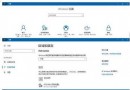
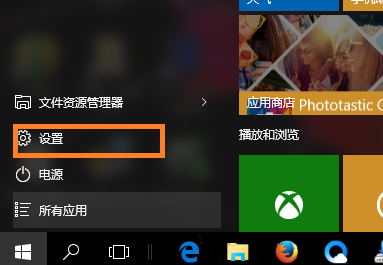
Windows 10 預覽版頻繁更新,使用者需定期安裝補丁修復 Bug。本文說明如何手動檢查並安裝更新。
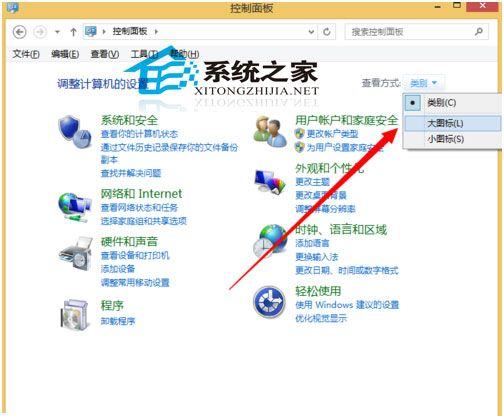
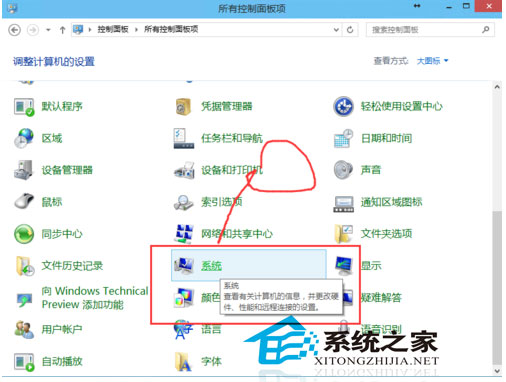
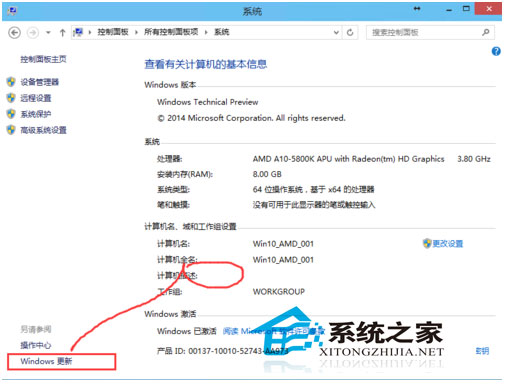
建議開啟自動更新以保持系統最新狀態。
Surface 平板 Win10 開機紅屏怎麼辦?UEFI 還原 TPM 與 Secure Boot 預設值
Win10 任務管理器找不到 explorer.exe?進程改名為「資源管理器」
升級 Win10 過程藍畫面?華碩筆電更新 ATK Package 與觸控板驅動修復
Win7/Win8.1 升級 Win10 報錯 C1900101-30018?命令提示字元重設 Windows Update 元件完整修復流程
Win10 滑鼠滾輪縮放網頁、桌面圖示技巧:Ctrl + 滾輪秒切換大小
Win10 設定 Outlook 開機自動啟動:工作排程器建立基本任務、指定原始執行檔