Windows XP Windows 7 Windows 2003 Windows Vista Windows 綜合教學 Linux 系統教學
Windows 10 Windows 8 Windows 2008 Windows NT Windows Server 電腦軟體教學

Win10 右鍵選單反應慢?刪除 ContextMenuHandlers 多餘項目加速彈出

編輯:Win10 系統應用技巧

右鍵選單延遲常因第三方軟體註冊過多殼擴充項。清理登錄 ContextMenuHandlers 可大幅加速。

清理步驟

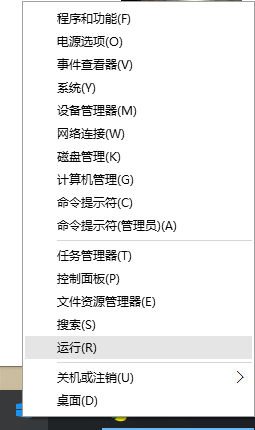
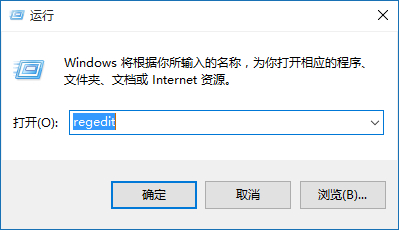
  1. Win+R → regedit。
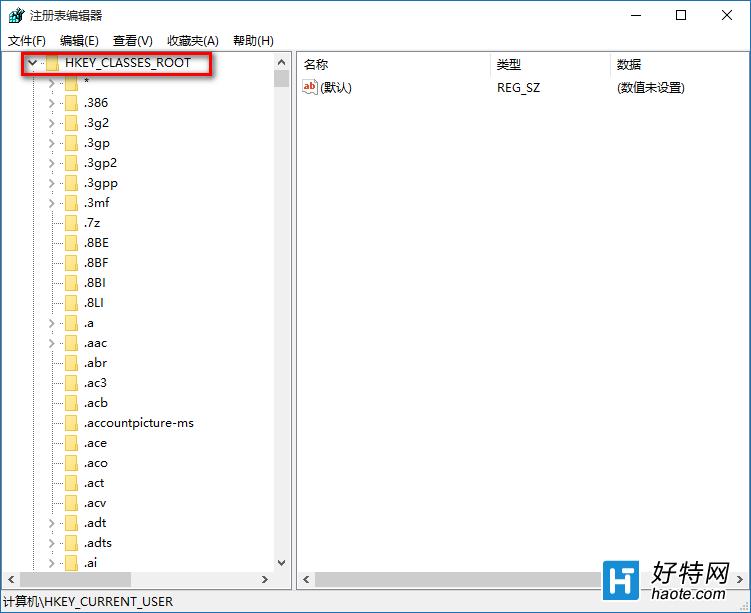
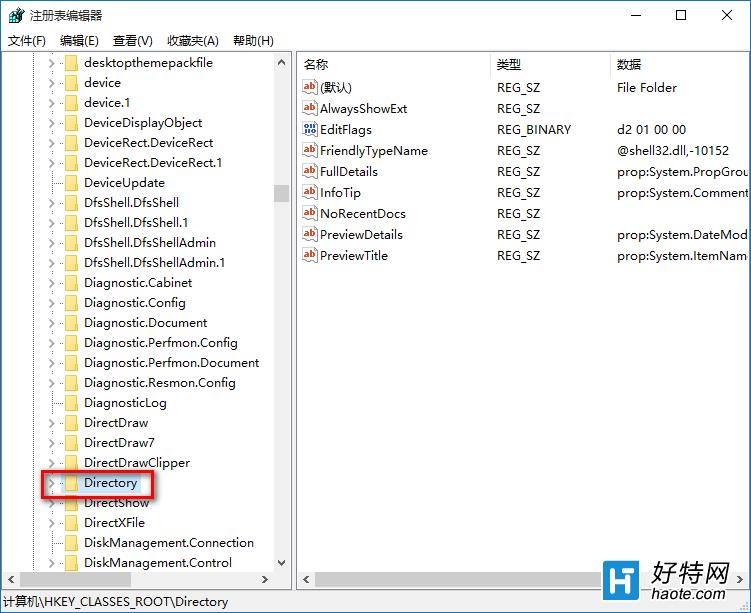
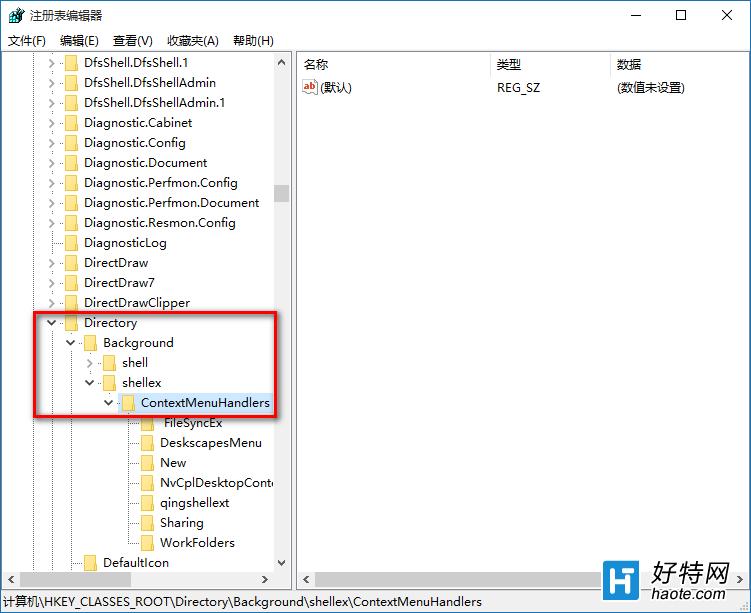
  2. 定位:HKEY_CLASSES_ROOT\Directory\Background\shell\ex\ContextMenuHandlers。
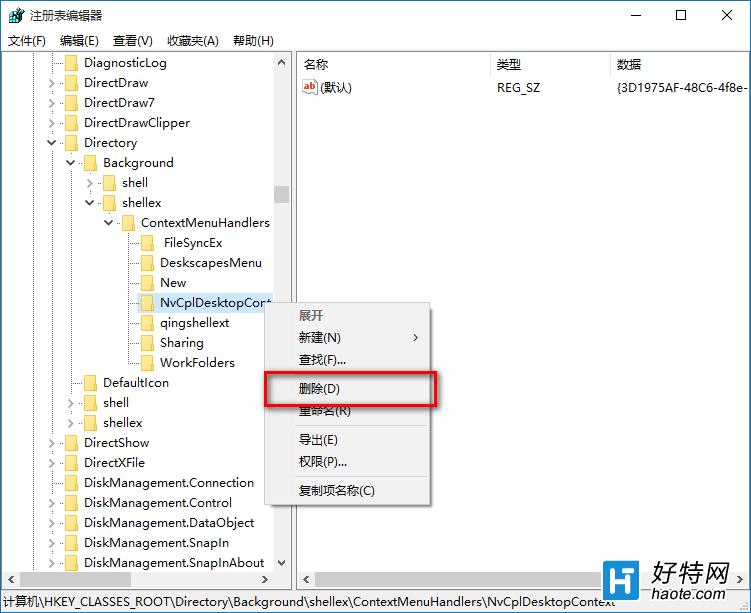
  3. 除 New 項外,刪除所有其他資料夾/項目。
  4. 若有項目無法刪除(權限問題),重開機後再試。
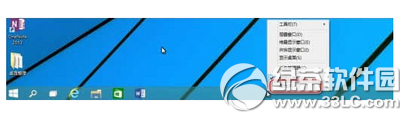
  5. 測試桌面右鍵速度,通常明顯加快;若無效重開機一次。

同樣可清理 HKEY_CLASSES_ROOT\*\shell\ex\ContextMenuHandlers(檔案右鍵)與 HKEY_CLASSES_ROOT\Folder\shell\ex\ContextMenuHandlers(資料夾右鍵)。


Copyright © Windows教程網 All Rights Reserved