關閉防火牆後系統持續彈出通知,可透過「安全性與維護」或停用「SecurityCenter」服務解決。
方法一:關閉安全性與維護通知
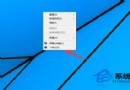
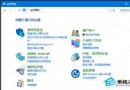
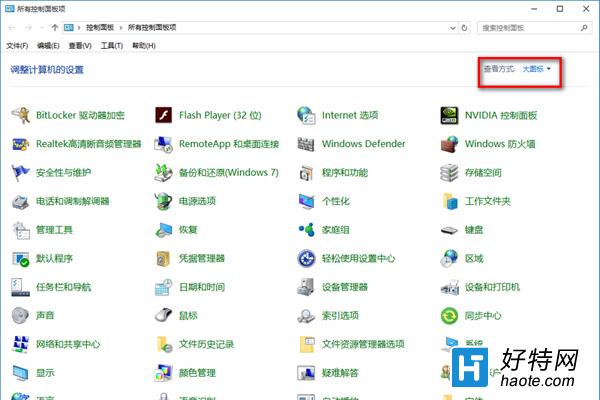
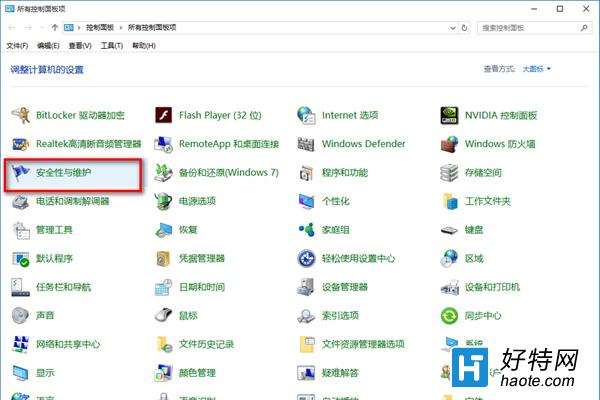
- 控制台 → 檢視方式「大圖示」 →「安全性與維護」。
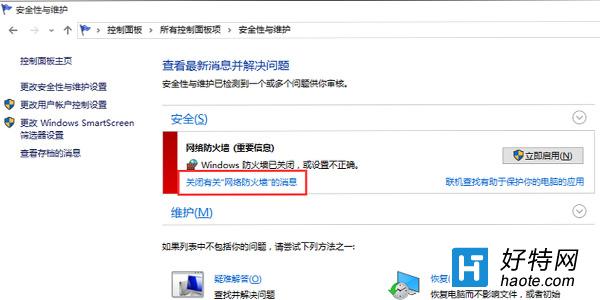
- 「安全性」區塊 → 網路防火牆 →「關閉關於網路防火牆的訊息」。
方法二:停用 SecurityCenter 服務(徹底無通知)
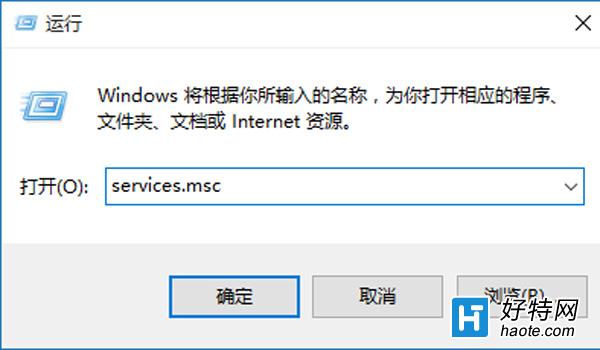
- Win+R →
services.msc。
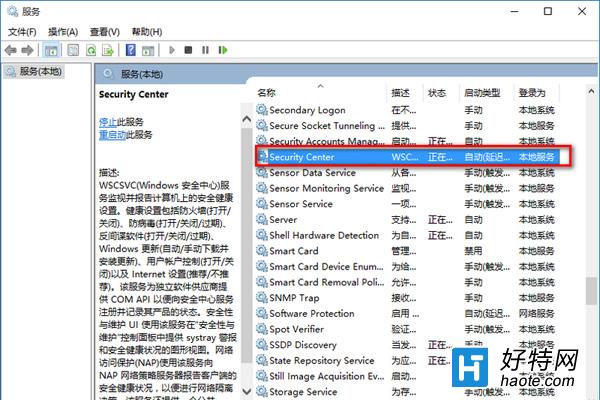
- 找到 SecurityCenter,雙擊 → 停止服務 → 啟動類型改「停用」。
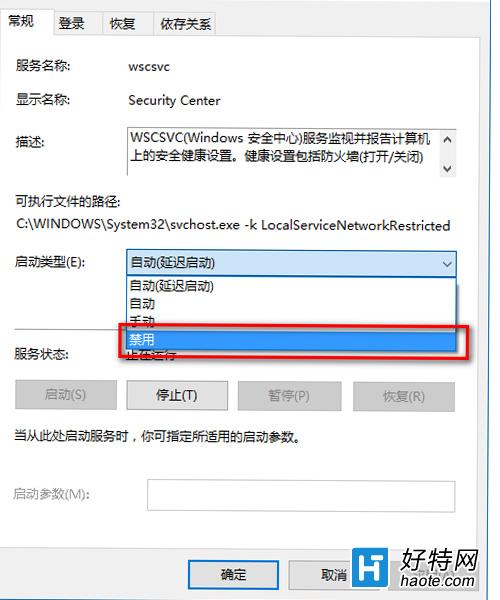
※ 停用 SecurityCenter 將同時關閉防毒、防火牆、UAC、Windows Update 等所有安全狀態監控與通知,請確認風險後再執行。