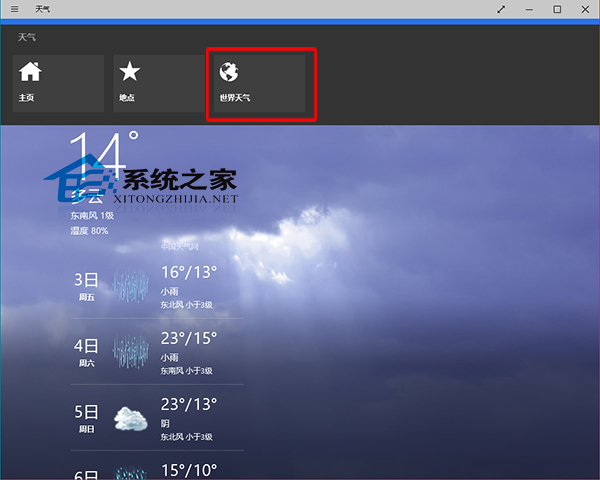
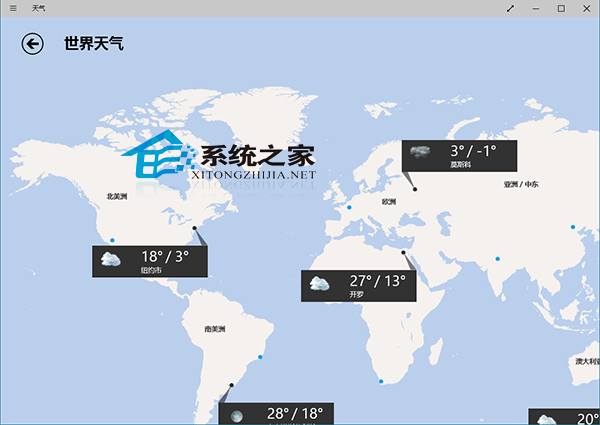
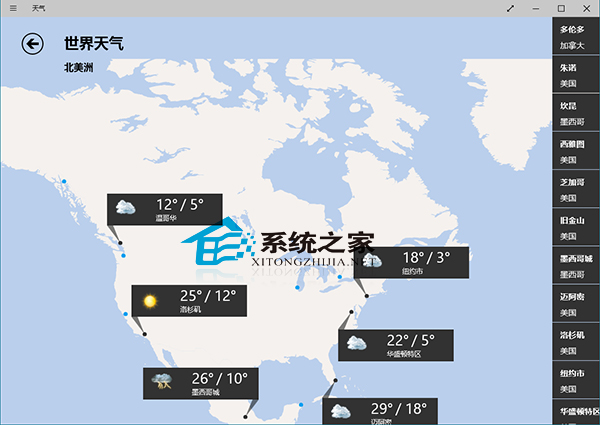
Windows 10 天氣應用程式支援世界天氣查詢,適合常飛國外的商務人士。
隨時掌握全球天氣,出差旅遊超方便。
Win32k.sys 藍屏錯誤 (0x00000050) 完整修復指南
Windows 10 禁止快速存取顯示最近使用檔案的隱私設定
Win10 優化 SSD 與磁碟重組技巧:內建工具最實用
Win10 「這台電腦」磁碟機分群顯示:依名稱、類型分類整理更清爽
Win7/8.1 升級 Win10 錯誤 80240020 解決方案:登錄表新建 AllowOSUpgrade=1 允許升級安裝
Win10 應用商店切換地區下載國外 App 圖文教學
Win10 Win+X 無法開啟行動中心?其實只是介面變了,點擊即可進入
Windows 10 無法安裝 Windows Phone 恢復工具?三大常見錯誤解決方案