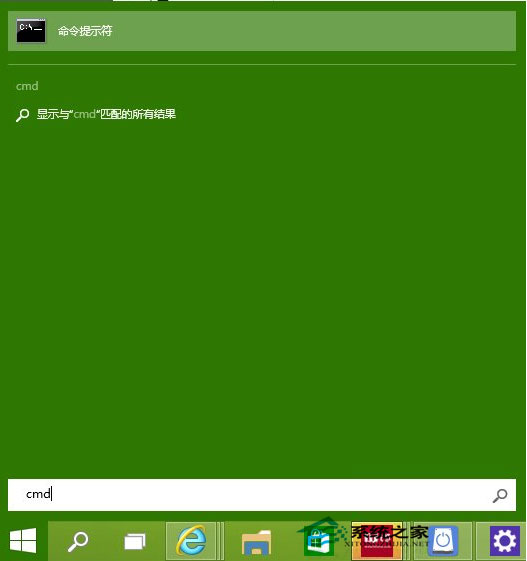
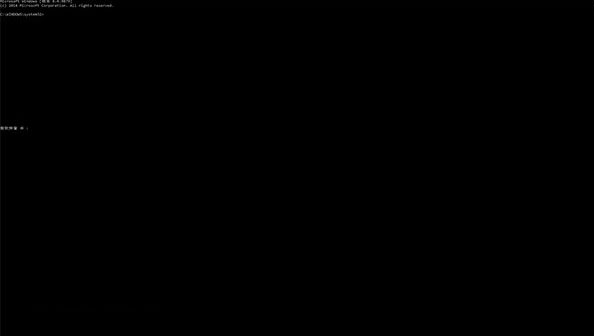
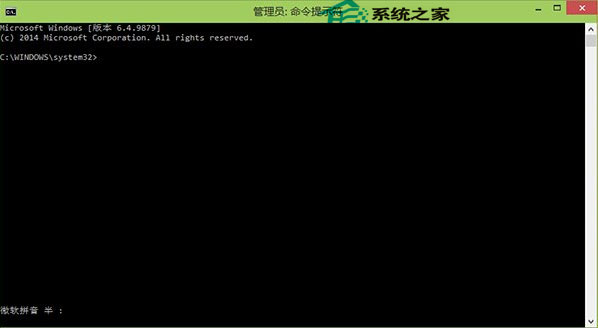
Windows 10 9879 版本恢復了命令提示字元全螢幕功能(舊版僅能佔大半螢幕)。本文示範啟用與切換方法。
CMD
全螢幕模式讓指令操作視野更寬廣,提升使用便利性。
Win10 升級 10159 失敗解決:Microsoft 帳號驗證、修復我功能、快速通道切換三大對策
Win10 9926 應用商店錯誤 0x800706d9:檢查防火牆服務或重試下載
Win10 移除捷徑小箭頭與「- 捷徑」文字:登錄修改一鍵淨化桌面
Win10 筆電雙顯卡切換失效?核顯驅動衝突與獨顯驅動更新解決方案
Windows 10 睡眠不斷網設定教學:網卡電源管理關鍵選項
Win10 啟用半透明鎖定畫面與登入介面:登錄表修改 Threshold 值為 1
Win10 滑鼠右鍵沒反應、卡頓?修復登錄表 IsShortcut 值秒解決
Windows 10 檔案總管功能區永遠顯示:三種快速切換法