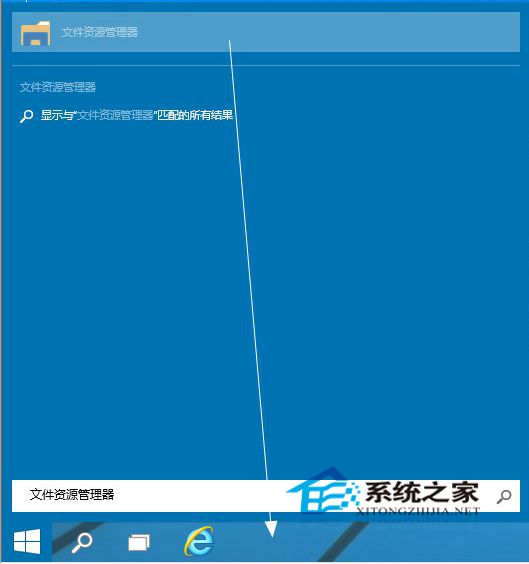
誤將檔案總管從工作列取消固定?快速找回:
新版檔案總管啟動頁面變動較大,部分使用者不習慣,但核心檔案管理功能仍實用,建議保留於工作列。
Win10 開機密碼設定與取消完整教學:圖文步驟一次看懂
拒絕第三方工具!Win 10 內建效能監視器、SFC、記憶體診斷、CHKDSK、電池報告完整教學
Win10 秋季創意者更新 16215 版新功能詳細解析
Win10 禁止 TeamViewer 開機自動啟動:選項取消勾選隨 Windows 啟動
Win10 設定桌面背景圖片:右鍵個人化 5 步驟快速完成
Win7 電腦管家一鍵修復 QQ 無法安裝問題
Win10 設定桌布自動輪換:個人化「投影片播放」指定資料夾與頻率
Win10 如何設定省電模式?動作中心→所有設定→系統→電池→自訂觸發電量與允許背景應用