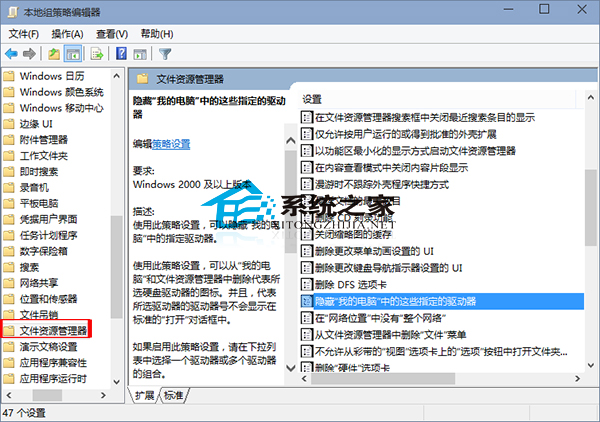
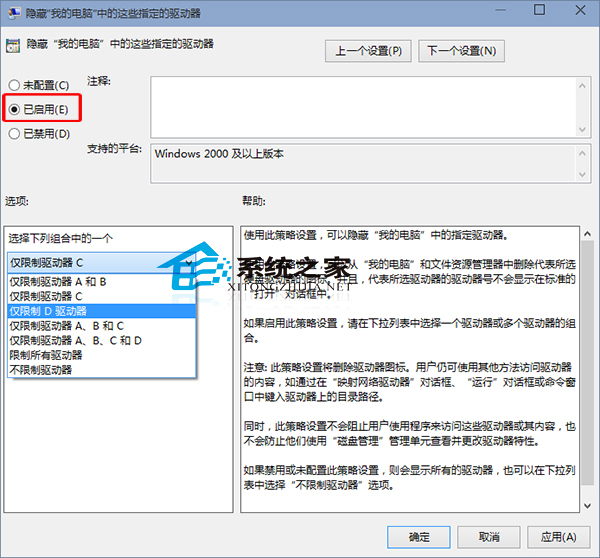
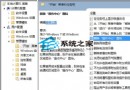
重要檔案不想被他人看見?Windows 10 可透過群組原理隱藏指定磁碟機。
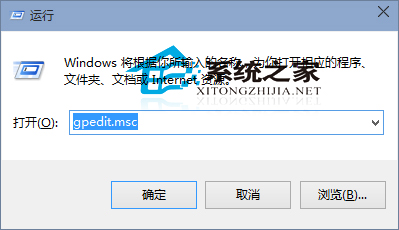
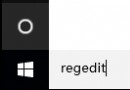
gpedit.msc
完成後 D 槽在電腦中不顯示。需恢復顯示時取消設定即可。
Win10 輸入法圖示消失?ctfmon.exe 重啟與語言列設定完整修復指南
Win10 升級卡在 99% 藍屏無限重開機?兩大解決方案完整圖文教學
Win10 預約升級後右下角圖示消失?正常現象,無需處理,升級將自動進行
Win10 Excel 2010 如何移除圖片背景?「格式」→「移除背景」標記保留區域一鍵完成
Win10 開機跳過鎖定畫面直接進入登入:群組原則設定
Win10 磁碟機出現兩個小人圖示?關閉磁碟共享移除共用標識教學
Win10 尋找與修改 Word 模板預設儲存路徑
Win10 CPU/記憶體佔用過高?四大常見原因與針對性解決方案 (TimeBroker、P2P更新、Spotlight、提示功能)