Windows 10 深色模式(黑色主題)無內建快速切換開關,可編寫 PowerShell 腳本一鍵切換:
$regkey = "HKCU:\SOFTWARE\Microsoft\Windows\CurrentVersion\Themes\Personalize"
$name = "AppsUseLightTheme"
$exists = Get-ItemProperty -Path "$regkey" -Name "$name" -ErrorAction SilentlyContinue
If (($exists -ne $null) -and ($exists.Length -ne 0)) {
    Remove-ItemProperty -Path $regkey -Name $name
} Else {
    New-ItemProperty -Path $regkey -Name $name -Value 0
}ToggleDarkMode.ps1(副檔名 .ps1)。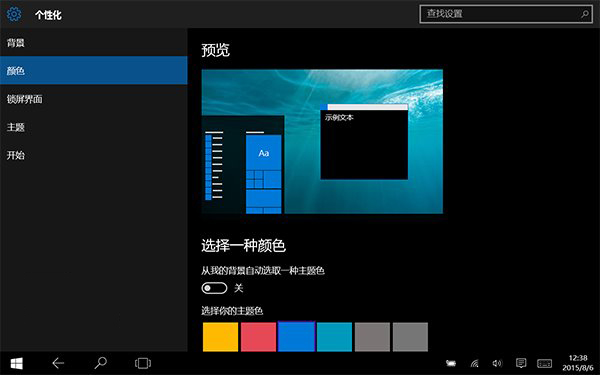
注意: 早期版本深色模式未完善,啟用後設定視窗標題列可能變黑導致文字按鈕不可見。此為暫時性腳本方案,正式版後續更新已在「設定」→「個人化」→「顏色」提供「選擇模式」下拉選單(淺色/深色/自訂)原生支援切換。