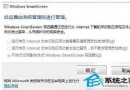
Win10 開機後瀏覽器自動開啟 MSN 中文網導航頁,源於網路連線狀態偵測機制。修改登錄表 EnableActiveProbing 為 0 即可停用此行為,無需第三方軟體。
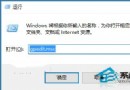
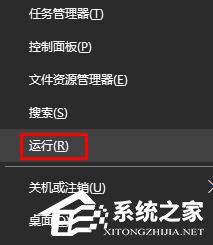
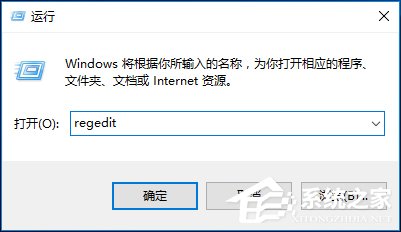
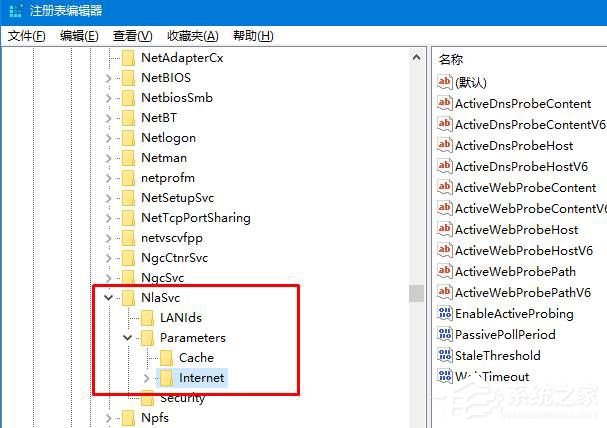
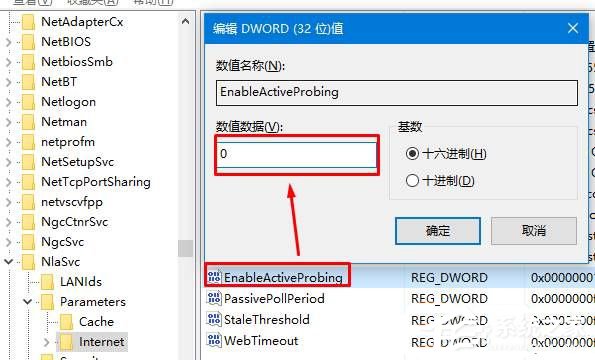
regedit 開啟登錄表編輯器。HKEY_LOCAL_MACHINE\SYSTEM\CurrentControlSet\Services\NlaSvc\Parameters\Internet。EnableActiveProbing → 數值資料從 1 改為 0 → 確定。
原理說明:EnableActiveProbing=1 時,Windows 會主動連線 https://www.msftconnecttest.com/redirect 檢測網路狀態,若偵測到需登入的熱點(如旅館/咖啡廳 Wi-Fi)會自動彈出瀏覽器導向登入頁;設為 0 可停用主動偵測與彈出行為。