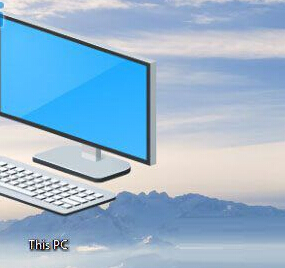
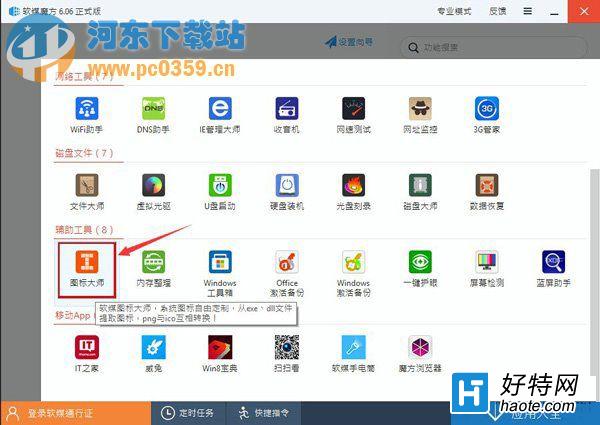
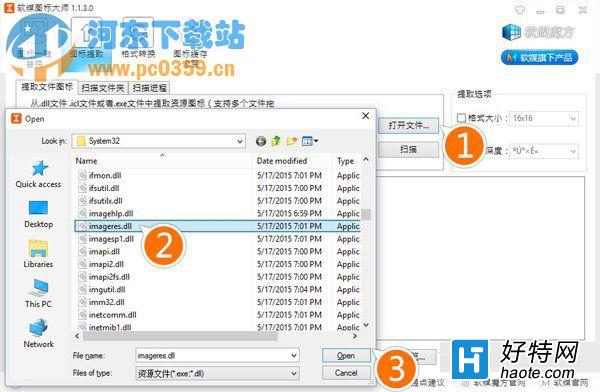
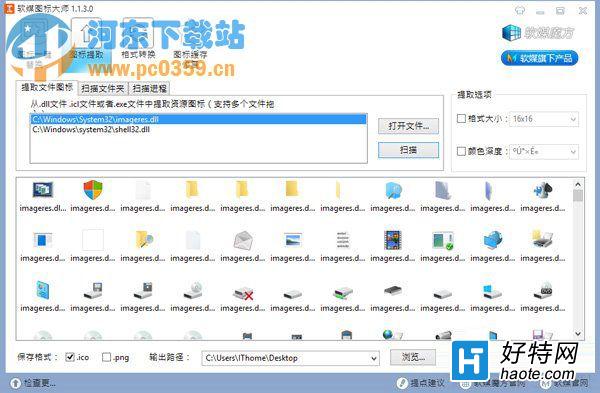
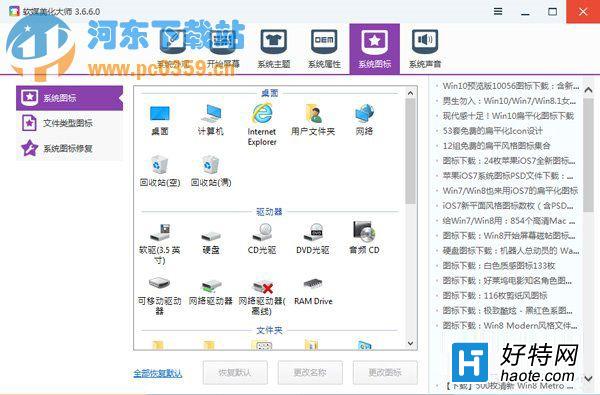
想把 Win10 精美系統圖標移植到 Win7/舊系統?用 軟媒魔方 → 圖標大師 → 圖標提取 最快:
C:\Windows\System32\imageres.dll
文末提供下載鏈接:全套 ICO + 64 位 imageres.dll,可直接替換或自行提取。舊系統換新圖標,視覺煥新零成本。
imageres.dll
Win10 開啟/關閉內建攝影機:隱私權設定中一鍵切換
Win10 小娜如何透過郵件管理追蹤行程?設定郵箱讓 Cortana 自動提取機票/火車票資訊
Win10 WiFi 掉線、斷網頻繁?關閉網卡省電模式穩定連線
Opera瀏覽器Win10版已提交商店審核:最快明日上架
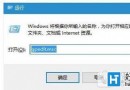
Win10 一鍵清空所有使用者回收站:管理員命令提示字元執行 rd 指令
Win10 開啟遠端桌面連線:開始→所有應用程式→Windows 配件→遠端桌面連線
Win10 輸入法圖示消失只剩鍵盤圖示?啟用桌面語言列 + 重啟 ctfmon
Win10 升級助手提示「網卡不支援」?先安裝原版映像再更新網卡驅動解決相容問題