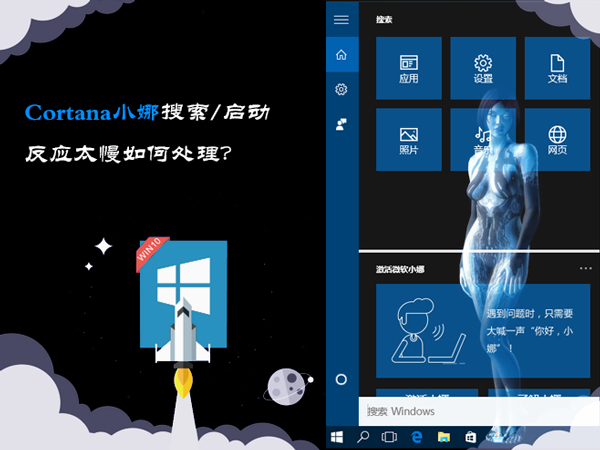
Cortana 預設啟用 Web 搜尋導致本地檔案搜尋延遲明顯。透過群組原則停用 Web 整合,可恢復極速本地索引搜尋體驗。
gpedit.msc 開啟群組原則編輯器。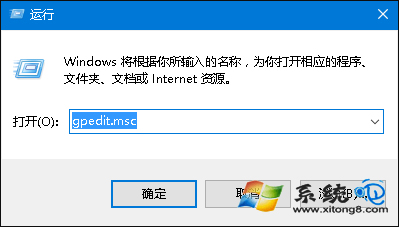
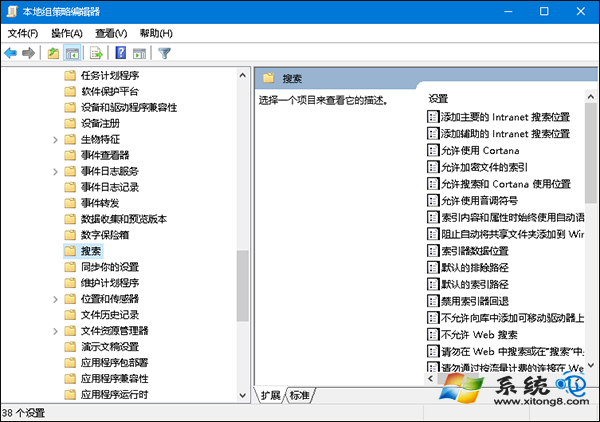
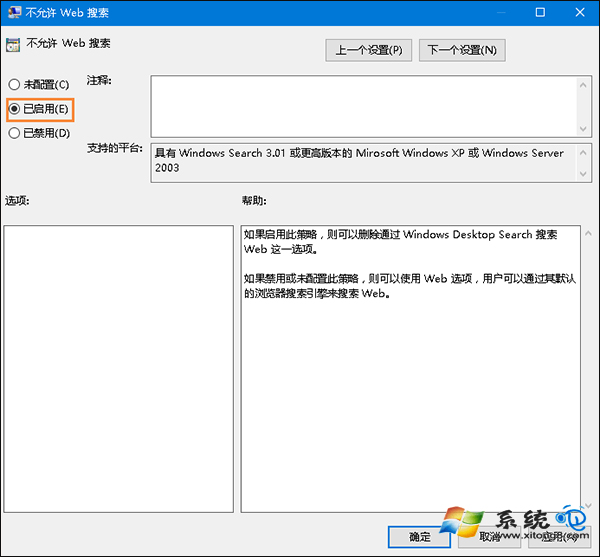
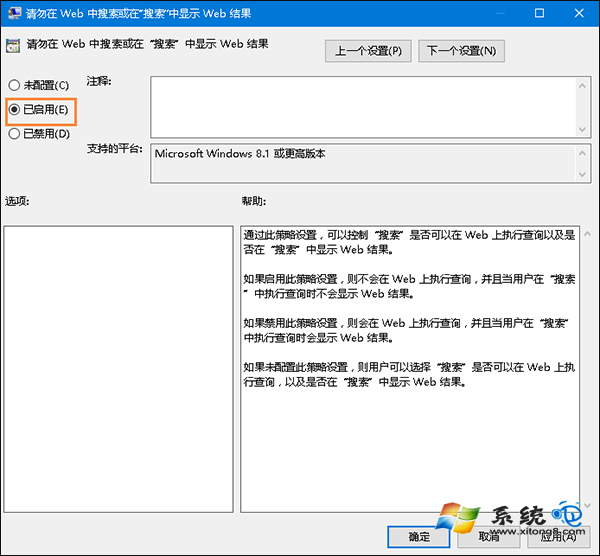
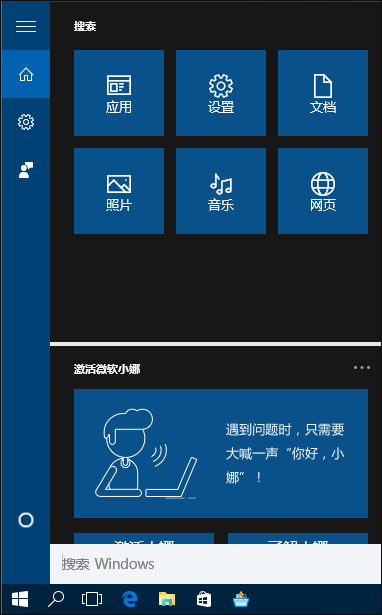
| 設定 | 本地搜尋速度 | 網路搜尋 | 隱私性 |
|---|---|---|---|
| 預設 (開啟 Web) | 較慢 (需等待網路回應) | 整合 Bing 結果 | 傳送查詢關鍵字 |
| 關閉 Web (建議) | 極速 (純本地索引) | 完全停用 | 零網路傳輸 |
Win10 後期版本 (1903+) 已大幅優化搜尋架構,Web 搜尋不再嚴重拖慢本地速度。若為新版系統,建議先體驗預設設定,確有延遲再關閉。
Win10 本地帳戶也能下載 Microsoft Store 應用:只登入應用不切換系統帳戶
Win10 待機斷網怎麼解決?裝置管理員關閉網卡省電功能保持網路連線
Windows 10 如何在開始選單快速存取清單加入自訂捷徑?Start Menu 程式資料夾手動放置
Windows 10 系統還原操作教學 (透過系統屬性進入)
Win10 Firefox 瀏覽器清除快取完整教學:透過 about:cache 定位刪除
Win10 如何恢復自訂桌面圖示排列?重啟檔案總管 (explorer.exe) 即可還原 — 但嚴禁註銷/重開機/關機/第三方強制重啟