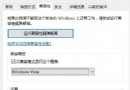
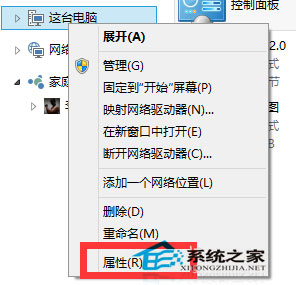
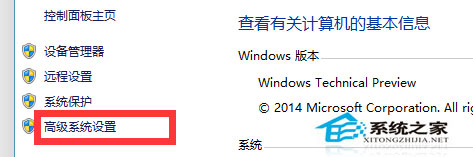
此為經典控制台路徑進入系統還原,適用於習慣傳統介面的使用者。功能與「控制台 > 復原」相同。
Win10 U盤啟動盤制作教程:大白菜工具 ISO 模式 8GB+ U盤全流程
Win10 對決 Win8:開始選單回歸、視窗化 Modern 應用、虛擬桌面、Continuum 雙模式、Cortana、通用應用、Xbox 串流、跨平台統一體驗
Win10 如何設定 Proxy 代理伺服器?IE 選項 → 連線 → 區域網路設定 填入 IP/埠/通訊協定
Win10 IE 瀏覽器錯誤 0xc0000018:登錄表權限修復與 IE 重設完整流程
Win10 筆電開啟 Wi-Fi 熱點完整教學:指令法建立虛擬無線網路