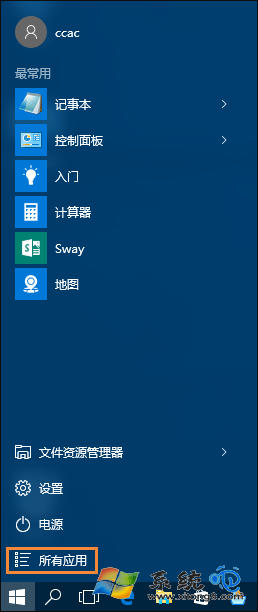
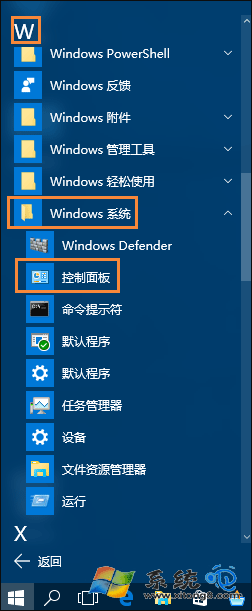
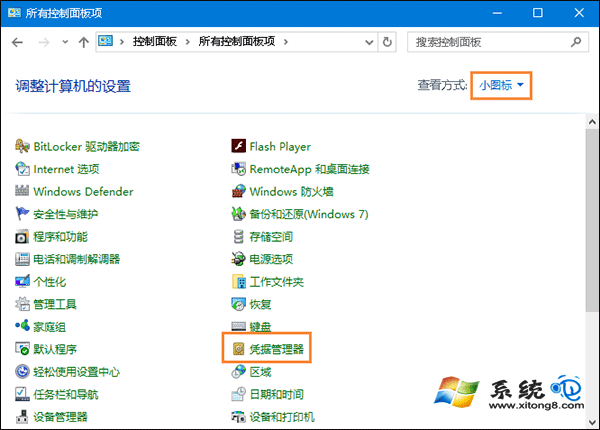
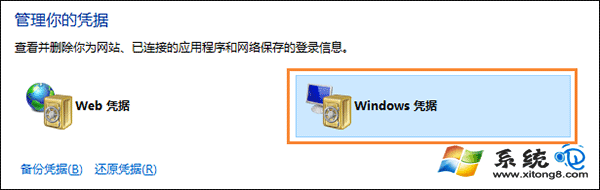
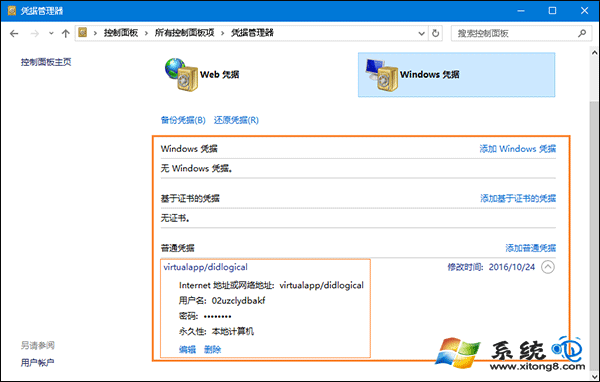
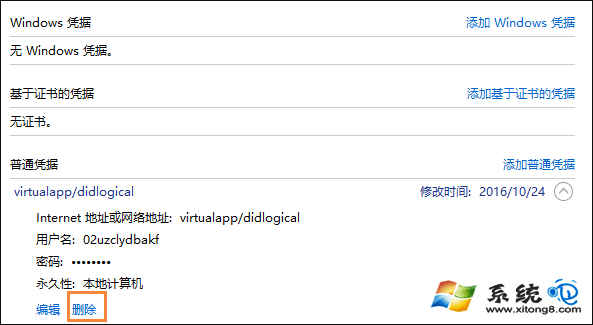
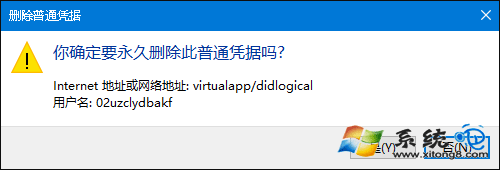
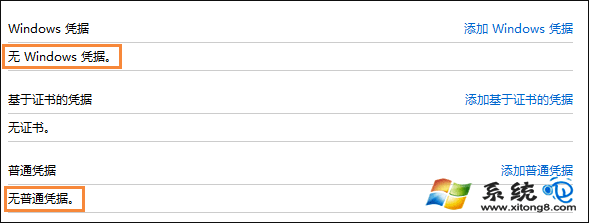
Windows 憑證可儲存伺服器/網路位置帳號密碼,免重複輸入。需刪除時,在「控制台」→「認證管理器」→「Windows 憑證」中展開項目點擊「移除」。
控制台 - 認證管理器
使用者帳戶 - 控制台
認證管理器 - Windows 憑證
Windows 憑證列表
展開憑證詳細資訊
移除按鈕位置
確認刪除
刪除後列表
刪除完成無憑證
建議:定期清理不再使用的憑證,降低帳號外洩風險。
Win10 檔案總管頻繁自動重新整理怎麼解決?三種修復方案停止閃爍
Win10 如何啟用來賓帳號?圖文教學讓你輕鬆開放臨時使用權限
Win10 系統如何新增「美式英語」語言?完整圖文操作步驟
Win10 應用程式商店如何切換全螢幕模式
Win10 筆電顯示「已連接電源,未充電」怎麼辦?五大排查方向完整指南
Win10 右鍵選單加入 Windows Defender 掃描選項:匯入 .reg 檔一鍵添加,右鍵即掃
Win10 週年更新正式版 14393.51 首波累積更新 KB3176495 內容
Windows 10 離線地圖下載與使用教學:節省流量、旅遊必備功能