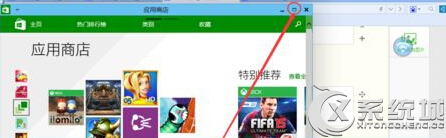
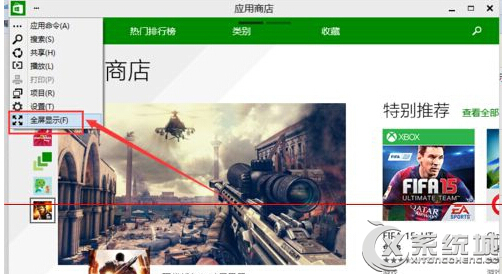
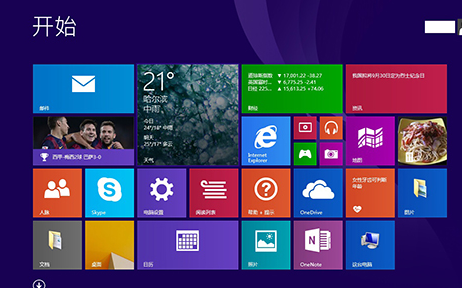
Win10 應用程式商店預設為視窗模式,若要全螢幕顯示:
注意:最大化按鈕僅放大視窗,非真正全螢幕模式。
Windows 10 設定預設中文輸入法為英文模式
Win10 Build 10074 啟用深色主題 (Dark Mode) 教學:登錄檔新增 SystemUsesLightTheme=0
Win10 徹底關閉 Cortana 小娜五步驟:本地設定、雲端資料清除、隱私權關閉完整教學
Win10 10074 將 IE 瀏覽器釘選到工作列:開始功能表右鍵一鍵完成
Win10 顯示隱藏檔案:檔案總管「檢視」勾選隱藏的項目
Win10 攝影機/相機無法開啟?驅動重裝、組策略阻止自動更新驅動完整修復
Win10 正式版啟用金鑰大全(專業版/企業版/教育版等)與 KMS 啟用指令
Win10 開始選單跳出「嚴重錯誤」?設定 User Manager 服務為自動修復