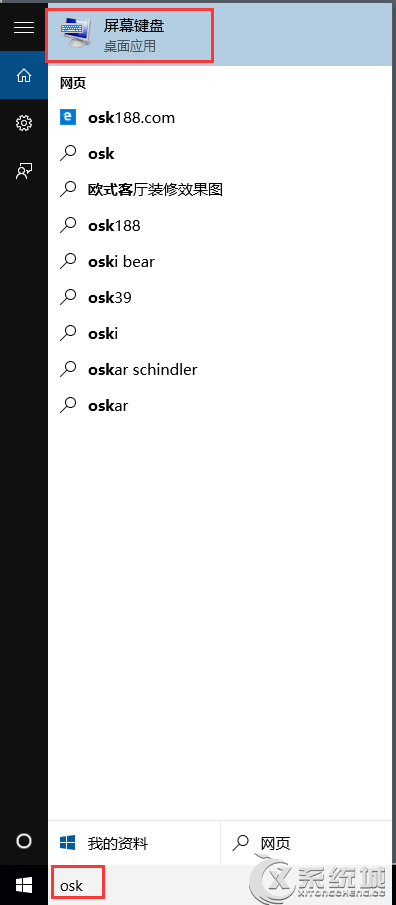
OSK。osk 直接執行。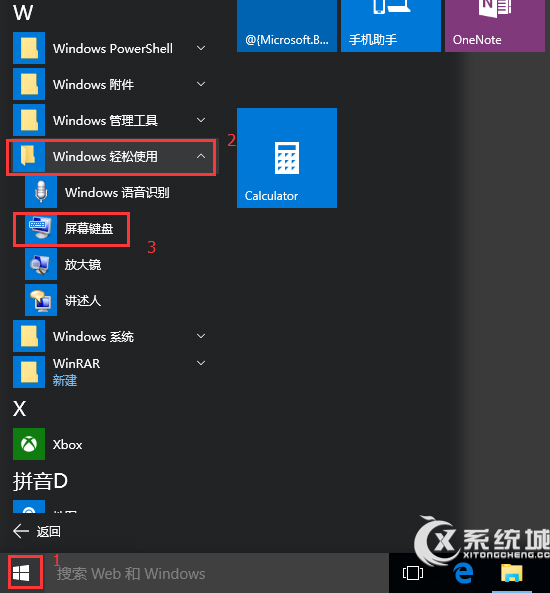
Win10 設定點擊 IE 磚塊開啟桌面版 IE:Internet 選項勾選項目
Win10 RTM 版是什麼?微軟官方稱 Win10 無 RTM 版,Build 10240 實質扮演此角色
Windows 10 Build 10134 註冊表啟用夜間模式 (AppsUseLightTheme=0)
Win10 英文版安裝中文升級包:同 22067 修改 InstallLanguage 登錄突破語言限制
Win10 網卡驅動檢測不到?設備管理員掃描修復 + 驅動人生網卡版離線安裝雙重保障
Win10 9888 新功能前瞻:右鍵菜單統一、設置 App 取代控制面板、滑動窗口動畫
Win10 磁碟使用率 100% 狂飆?16 招終極優化:關閉家庭群組、自動維護、Defender、Search、Superfetch、虛擬記憶體、IPv6、視覺特效、SSD 升級