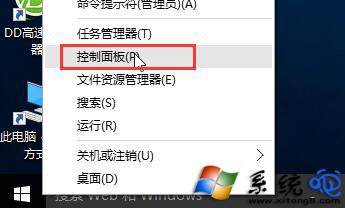
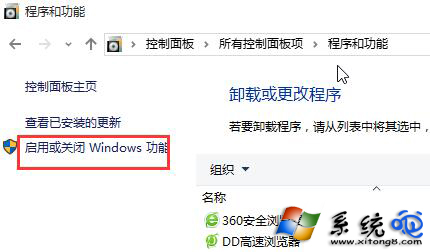
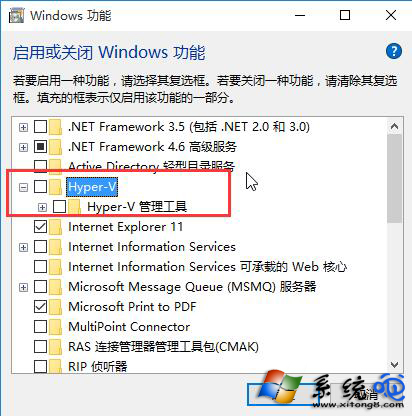
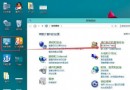
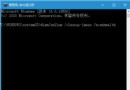
早期 Windows 10 Insider Preview Build 10532 更新時,若系統已啟用 Hyper-V 功能,常導致更新失敗、卡住或回滾。解決方法極簡單:暫時停用 Hyper-V 即可順利完成更新。
重開機後執行 Windows Update,即可順利安裝 Build 10532。更新完成後,若仍需使用 Hyper-V,可依同樣路徑重新啟用。此問題屬早期版本相容性衝突,正式版後已大幅改善。
Win10 檔案總管頻繁「停止運作」?執行 Windows Update 安裝最新修補程式修復
Win10 Mobile 14905 應用更新 0x80073cf9 錯誤?將儲存位置從 SD 卡改為內建儲存
Win10 升級後刪除舊系統檔案釋放空間 (磁碟清理)
Win10 隱藏/顯示檔案與資料夾完整圖文教學
Win10 開啟螢幕鍵盤的兩種快速方法
微軟贏在開發者生態:解析 Windows 10 如何重塑跨平台開發體驗
Win 10 Build 9879 即將推送至 Slow Ring,新功能與已知問題彙整
Windows 10 標題列顏色可以改嗎?完整自訂教學 (含註冊表法)