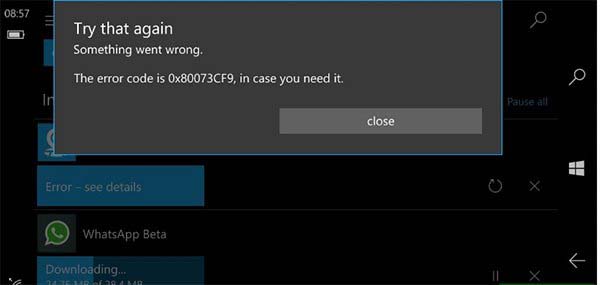
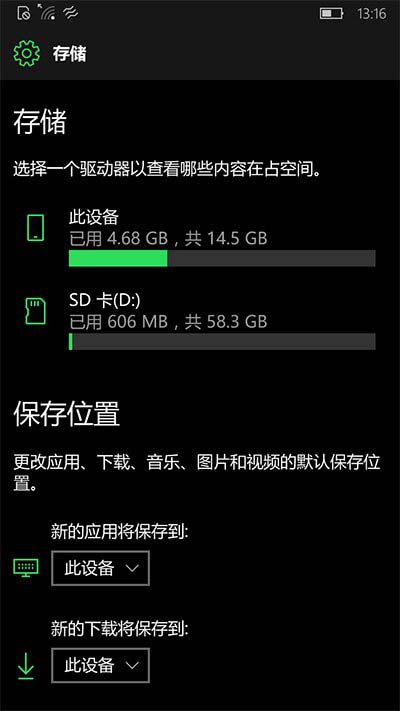
Windows 10 Mobile Redstone 2 預覽版 Build 14905 中,應用程式安裝在 SD 卡時更新會出現 0x80073cf9 錯誤。將新應用預設儲存位置改為內建儲存體即可解決。
0x80073cf9
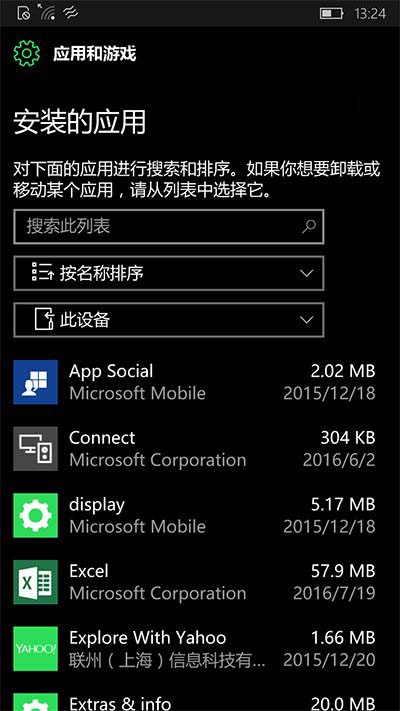
在 Build 14905 上在 SD 卡與內建儲存體之間移動應用程式易導致卡在「等待中」狀態。若發生,請在「系統」→「儲存體」中卸載該應用,再從商店重新下載安裝。
Win10 清除開始選單使用記錄:任務列屬性 → 開始選單 → 取消勾選兩項隱私選項
Windows 10 版本太多怎麼選?五大使用場景對照表一次看懂
Win10 瀏覽器字體亂碼?開發人員工具定位問題字體並重裝
Win10 Mobile 如何設定來電黑名單與騷擾攔截?內建阻擋與篩選功能完整教學
Win10 禁止安裝軟體設定教學:gpedit.msc 群組原則啟用「禁止使用者安裝」 (含家用版登錄表替代法)
Win10 Edge 瀏覽器擴充功能有哪些作用?開發者平台與三大範例介紹
Win10 查看本機 IP 地址的兩種方法(含公網 IP)
Win10 升級後開機變慢四大解決方案詳解