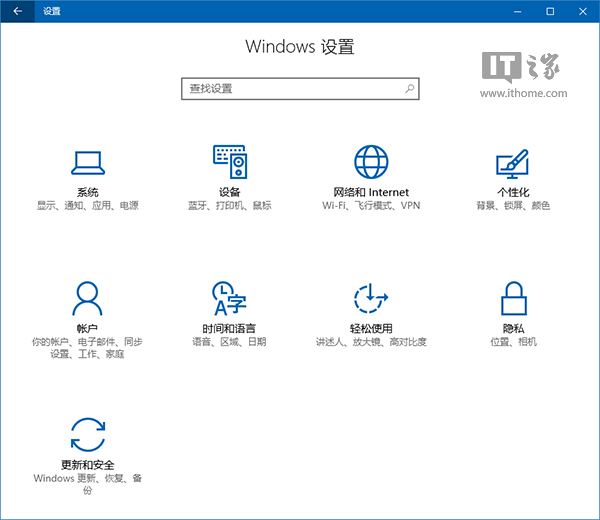
Windows 10 內建小娜 (Cortana) 雖方便,但搜尋速度常令人詬病。主因是搜尋目標資料夾未納入索引,導致小娜只能進行全域比對,效率低落。透過「索引選項」將常用資料夾加入索引,可大幅提升搜尋回應速度。
C:\ProgramData\Microsoft\Windows\Start MenuC:\Users\<你的使用者名稱>\AppData\Roaming\Microsoft\Windows\Start Menu\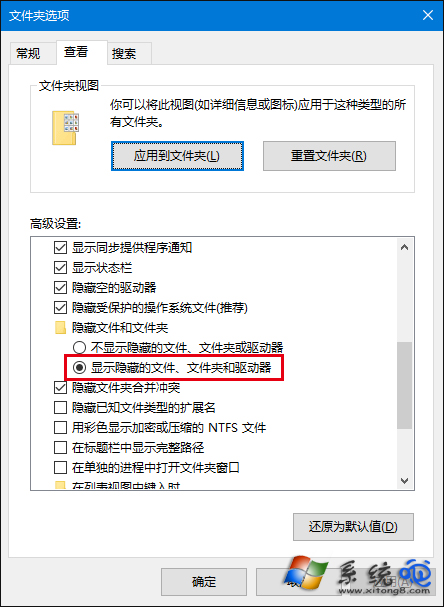
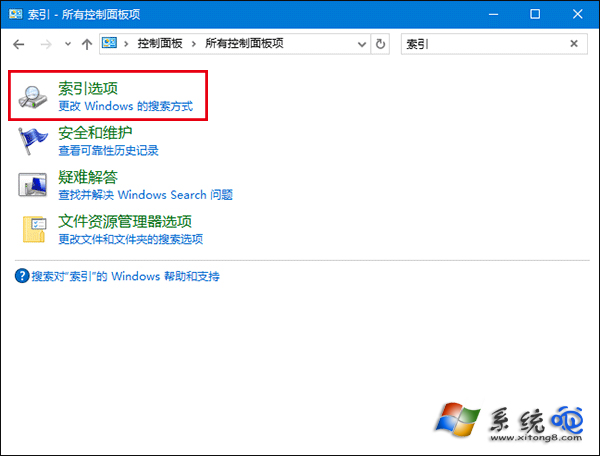
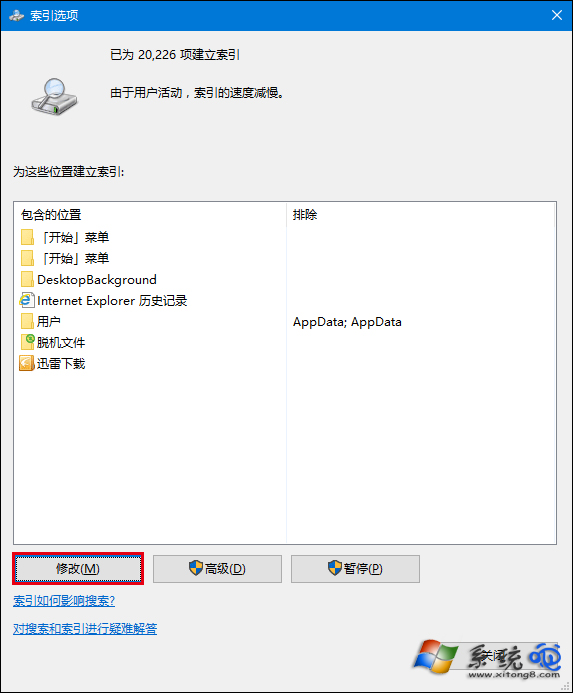
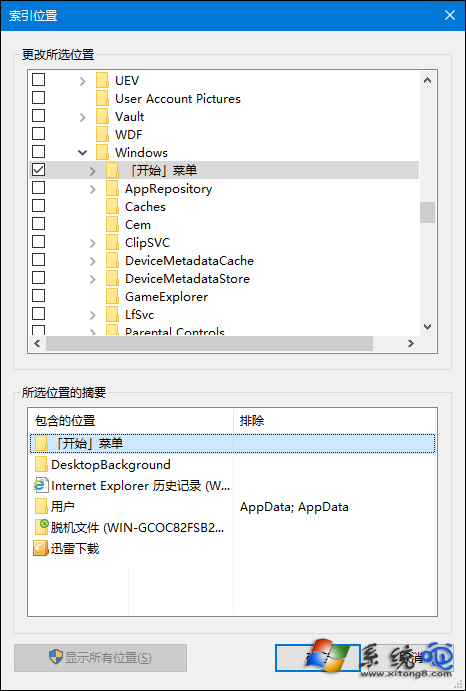
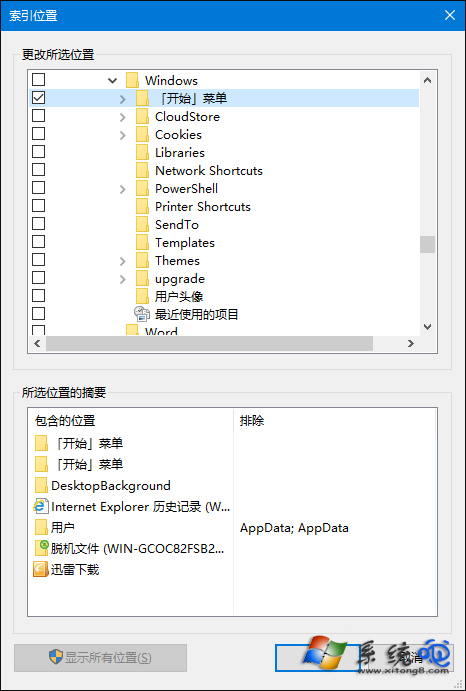
注意:索引過多會佔用系統資源導致卡頓,建議僅針對高頻搜尋路徑建立,用畢後可移除;隱藏資料夾若未設定顯示,預設不會被索引。
Win10 關閉開始選單/工作列/動作中心透明效果:登錄表一鍵切換純色風格
防止 Win7/Win8.1 自動升級 Win10 完整教學(含註冊表法)
Windows 10 開啟群組原則編輯器 (gpedit.msc) 兩大法:執行指令與開始選單搜尋
Win10 預覽版 10041 已知問題彙總與解決方案:登入框消失、鎖定卡死、輔助工具異常、鎖畫面騎士圖示、高 DPI 文字過大、平板模式通知關閉、講述人阻擋觸控鍵盤、誤報重啟更新
Win10 檔案總管分享按鈕使用教學:選取檔案→點擊分享→郵件/社群/應用程式傳送