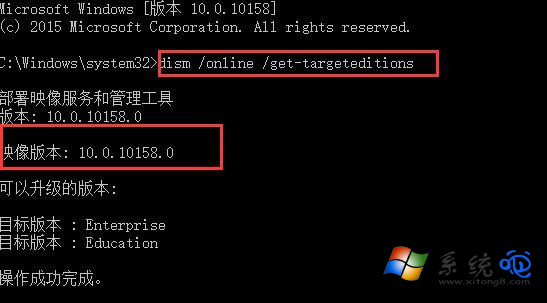
想知道目前安裝的 Win10 確切版本(如 1507、1511、1607、1703...)?管理員 CMD 執行 dism /online /get-targeteditions,輸出清單即為本機可用/已安裝版本版次,比「設定」→「關於」更詳細,適合測試人員/IT 稽核。
cmd → 右鍵「以系統管理員身分執行」。dism /online /get-targeteditions → Enter。Professional、Enterprise)與版次。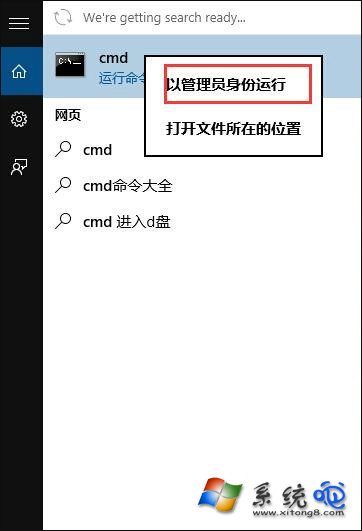
一般用戶查版本更簡單:Win+R → winver → 彈出視窗顯示版本號(如 22H2、組建 19045.xxx)。dism 指令主要用於映像服務與部署管理,查詢線上映像可用目標版本,適合離線映像檢視與元件清單匯出。