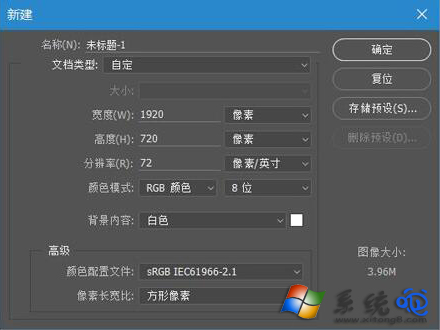
Win10 下 Photoshop CC 選單/面板出現亂碼,主因系統缺少或字型檔損毀(特別是中文字型「新細明體」PMingLiU)。從字型管理員複製備份並重新安裝即可修復。
修復 Photoshop CC 亂碼步驟
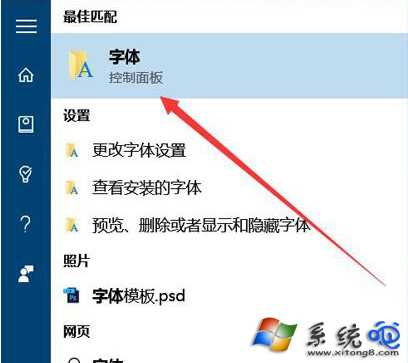
- 搜尋「字型」開啟「控制台 → 字型」管理員。
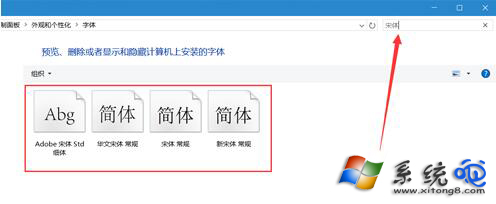
- 搜尋「新細明體」或「PMingLiU」,全選搜尋結果(通常 4 個檔案:Regular、Bold、Italic、Bold Italic)。
- 複製到桌面備份。
- 選中桌面 4 個字型檔 → 右鍵 → 安裝 → 提示已存在選擇 覆蓋。
- 重新啟動 Photoshop,介面字型恢復正常。
適用範圍:此法亦適用於其他 Adobe CC 應用(Illustrator、InDesign 等)及依賴系統中文字型的軟體亂碼問題。