Win10 系統預設主題與桌布路徑固定,自訂主題可另存為 .themepack 檔案備份,重裝系統後雙擊即可快速套用,滑鼠指標也會一同保存。
C:\Windows\Web\WallpaperC:\Windows\Resources\Themes.themepack。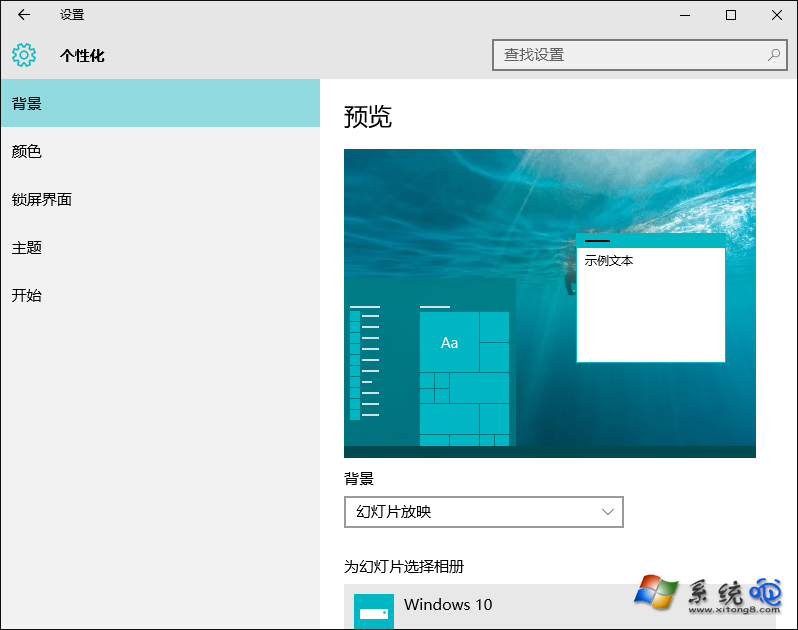
個人化設定 - 主題
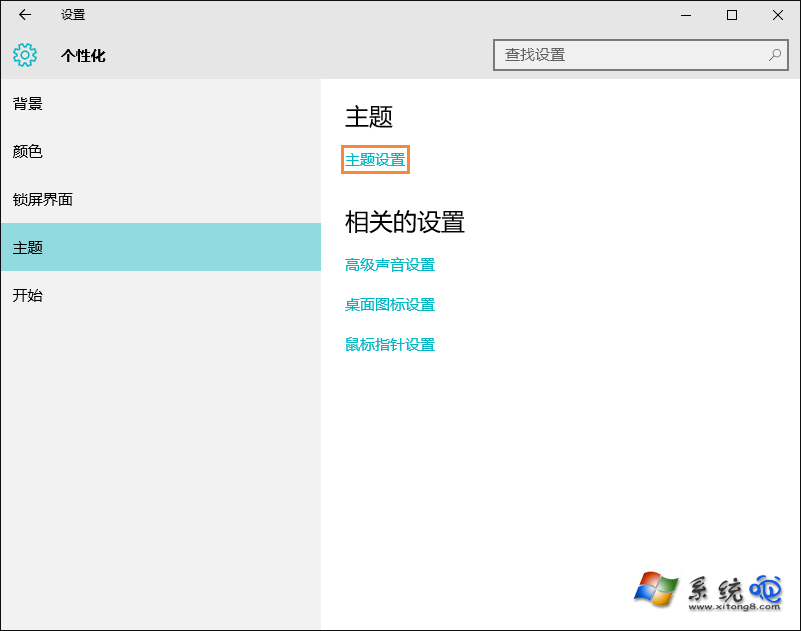
主題設定視窗
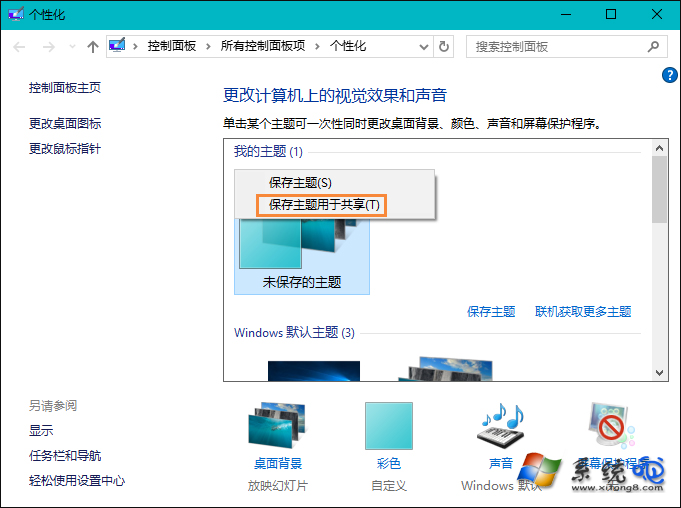
右鍵選擇儲存主題以便分享
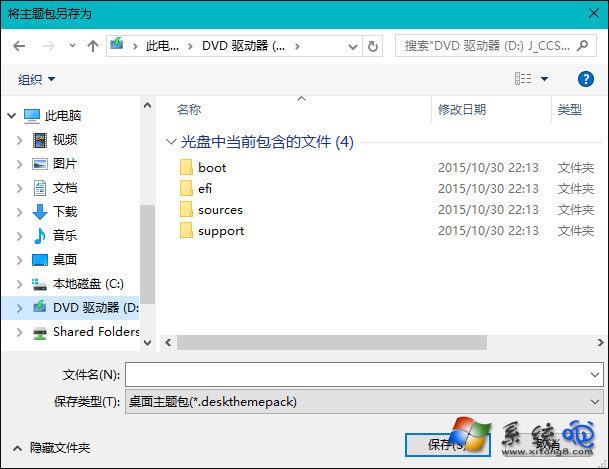
儲存 .themepack 檔案
將喜愛的主題備份至資料碟,重裝系統後一鍵恢復個人化桌面。
Windows 10 內建「列印為 PDF」功能:任意檔案右鍵列印快速轉換 PDF
Win10 升級錯誤 0xc0000017 解決:BCD 清除壞記憶體標記 (bcdedit /deletevalue {badmemory} badmemorylist)
Windows 10 關閉「使用者帳戶控制 (UAC)」安裝軟體提示:滑桿調整至「從不通知」
Win 10 如何查看與設定預設應用程式?設定介面與搜尋雙管齊下
格式化 C 槽乾淨重裝 Win10:傳統安裝流程確保純淨系統
Win10 查看筆電電池損耗度:透過第三方工具讀取電池健康資訊