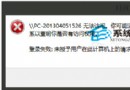
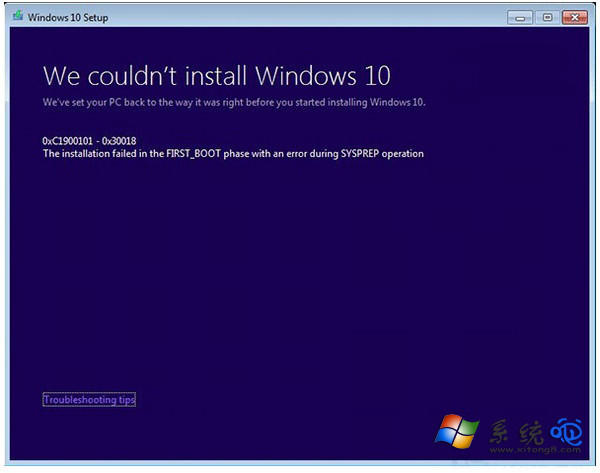
Win8.1 升級 Win10 卡在錯誤 C1900101-30018,主因更新服務與元件衝突。以管理員身分執行指令重設四大更新服務與資料夾即可解決。
net stop wuauserv
net stop cryptSvc
net stop bits
net stop msiserver

ren C:\Windows\SoftwareDistribution SoftwareDistribution.old
ren C:\Windows\System32\catroot2 Catroot2.old

net start wuauserv
net start cryptSvc
net start bits
net start msiserver

exitexit 關閉視窗,重開機後再次嘗試升級,錯誤碼即消失。此為標準 Windows Update 重設流程,適用於多種升級錯誤代碼。
Win10 查看 DirectX 版本:dxdiag 診斷工具三步驟快速查詢
Win10 LOL 伺服器連線異常完整排查:防火牆、LSP、TGP 三階段修復
Win10 持續彈出「關閉防火牆」通知屏蔽法:安全性與維護關閉訊息、或停用 SecurityCenter 服務
Win10 Build 9901 OneDrive 整合備份功能:跨平台同步設定、密碼、開始畫面佈局
Win10 安裝驅動程式藍屏提示 cmudaxp.sys?重裝聲卡驅動並停用自動更新修復
Windows 10 內建 Xbox Game Bar 錄螢幕完整教學:Win+G 呼出、設定儲存位置與品質、管理錄影檔案