Win10 內建中文字體極少(僅 4~5 款),設計、排版、報表常需額外字體。三種安裝方式:拖曳到 Fonts 資料夾(最直覺)、右鍵「安裝」(最快)、PowerShell 指令(適合批次/自動化)。
.ttf、.otf、.ttc)。C:\Windows\Fonts(或 Win+R 輸入 fonts)。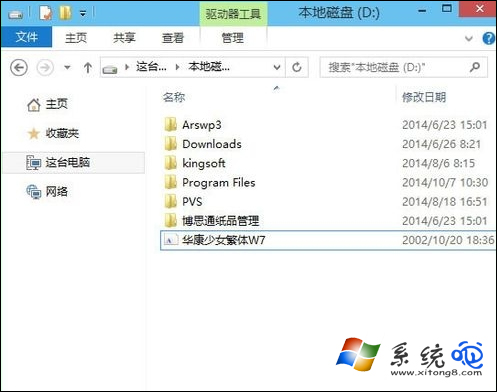
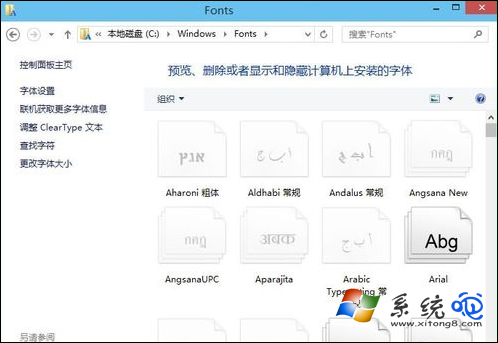
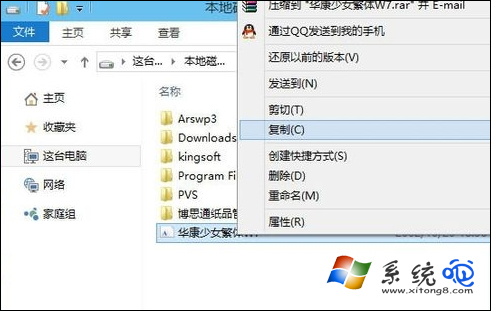
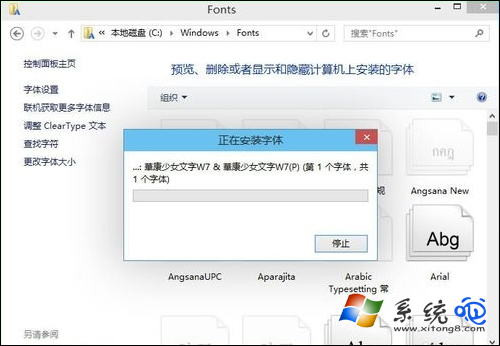
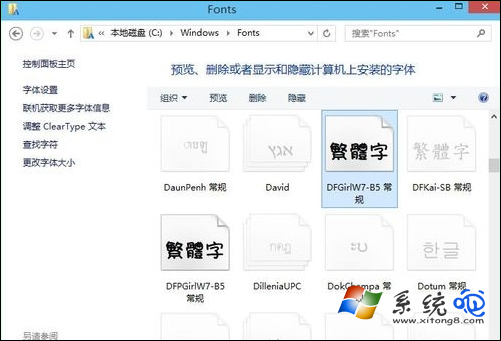
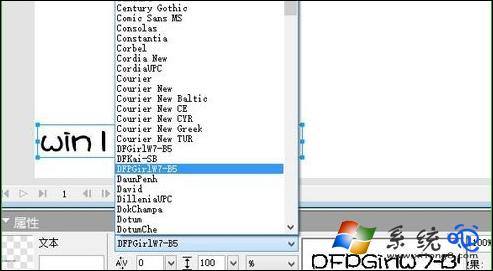
# 需管理員權限執行
$fontPath = "C:\Path\To\Fonts"
$shell = New-Object -ComObject Shell.Application
$fontsFolder = $shell.Namespace(0x14)  # Fonts 特殊資料夾
Get-ChildItem $fontPath -Filter "*.ttf","*.otf","*.ttc" | ForEach-Object {
    $fontsFolder.CopyHere($_.FullName, 0x10)  # 0x10 = 不顯示進度視窗
}
三種方式任選其一,Win10 秒裝任意字體,設計排版不再受限!