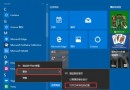
Edge 書籤功能直觀易用,四步完成新增。
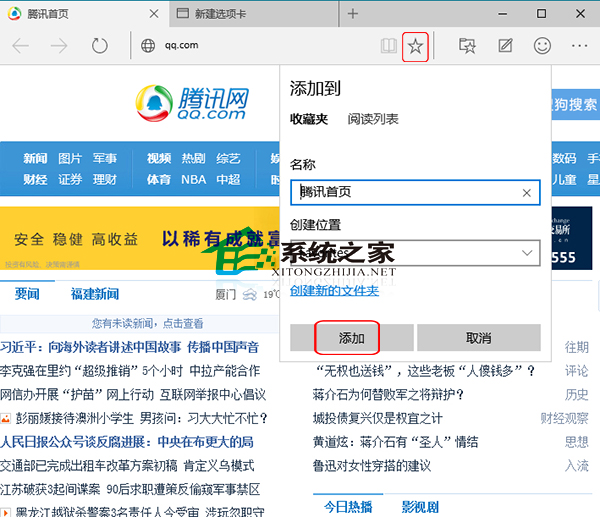
常用網站可直接設為「首頁」:⋯ → 設定 → 啟動時 → 開啟特定頁面 輸入網址,啟動瀏覽器即直達。
提升效率 Windows 10 快速鍵彙總:官方 The Verge 整理版、虛擬桌面、視窗管理、游戲錄製、Cortana 一覽表
Win10 將區域連線設為「依流量計費」阻擋自動更新:登錄修改 Ethernet 媒體成本
Win10 安裝與啟用中文語言包:lpksetup 命令匯入 .cab 語言包 + 批次檔激活
Win10 取得最高系統管理員權限:註冊表 FilterAdministratorToken=1 解決開始選單無法使用等問題
Windows 10 關機/重開機失效四大替代方案:開始選單、右鍵選單、命令列、Alt+F4
Windows 10 Build 10125 更新內容總匯:圖示全面優化、開始選單自訂增強、平板模式返回鍵、Windows Hello 登場