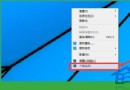
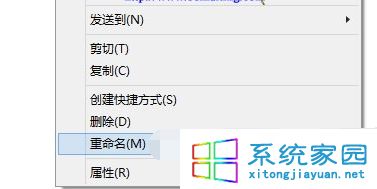
安裝未通過微軟簽章的驅動程式,導致開機驗證失敗 (錯誤 0xc0000428)。
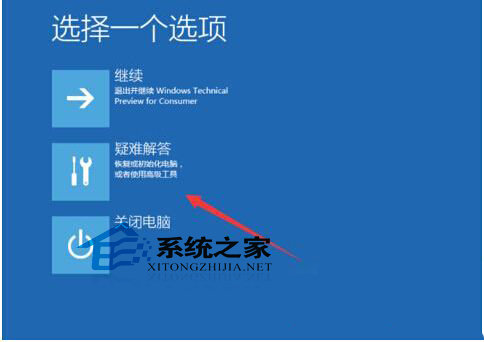
安裝驅動務必確認經微軟 WHQL 認證簽章,避免使用修改版/破解版驅動。
Windows 10 任務列通知區域圖示自訂:顯示/隱藏系統與應用程式圖示
Win10 商店錯誤 0x80072EE7 解決:DNS、Hosts、防火牆、軟媒魔方四合一修復
Win10 家庭版如何關閉 Microsoft Store 應用自動更新
Win10 關閉 Proxy 代理伺服器:恢復直連網路提升國內存取速度
升級 Win10 週年更新後常見問題彙總:預裝應用、迅雷崩潰、Edge 無法關分頁、桌面假死、字體變微軟正黑體、鎖定畫面變黑
Win10 無法運行 CF/穿越火線:預覽版兼容性缺陷根因與雙系統過渡方案