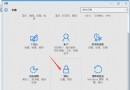
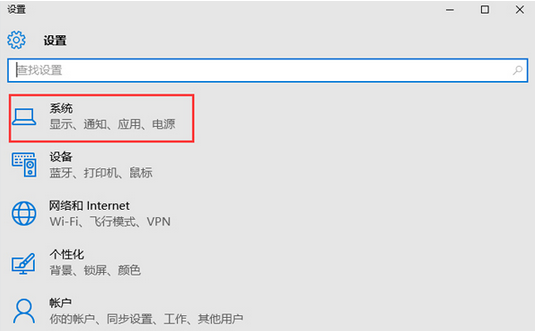
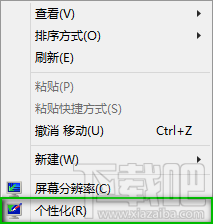
右鍵桌面空白處 →「個人化」→ 左側「桌面圖示」→ 勾選「電腦」→ 確定。
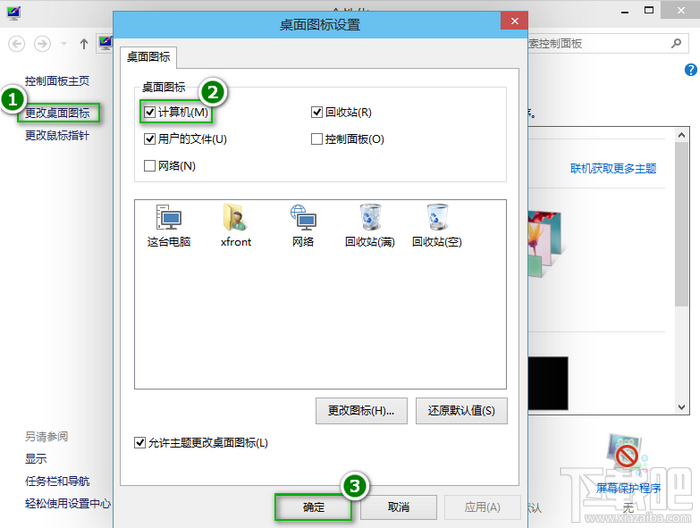
同步可勾選使用者檔案、網路、控制台等常用圖示。
Windows 10 正式版 20 大創新亮點完整盤點:開始選單、Cortana、虛擬桌面、Edge、DirectX 12...
Win10 多工作業檢視完整使用教學:虛擬桌面建立、切換、管理,像擁有多台螢幕
Win10 耳機有電流雜音?依序關閉麥克風增益與加速提升信噪比
Win10 IE11 F12 開發者工具打開空白?兩步修復方案
Win10 玩遊戲無法全螢幕/有黑邊?修改登錄檔 Scaling 值與啟用 DirectPlay 組件修復
WinXP 無法開啟控制台?群組原則「禁止存取控制台」啟用導致,兩種方法解除
Win10 啟動「語音辨識」兩大入口:開始選單與搜尋框雙管齊下
Win10 如何啟用 Ctrl+Alt+Del 解鎖螢幕?註冊表 + 使用者帳戶控制雙重設定,防止遠程/軟體模擬解鎖提升安全性