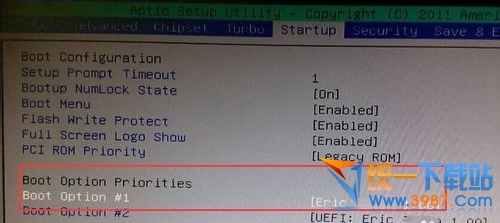
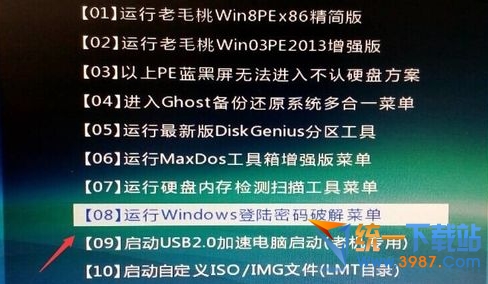
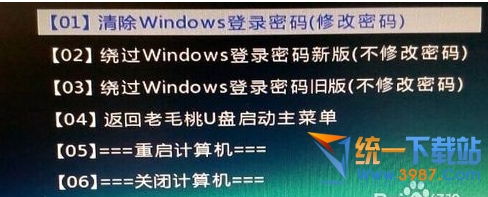
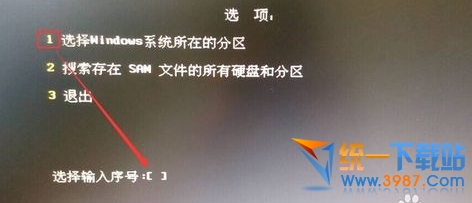
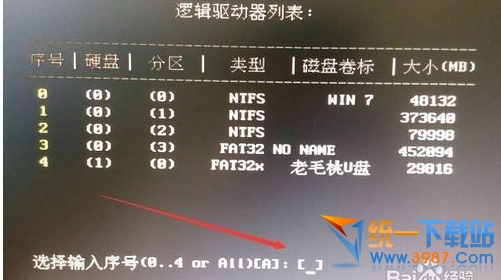
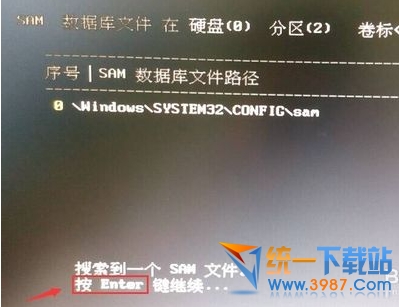
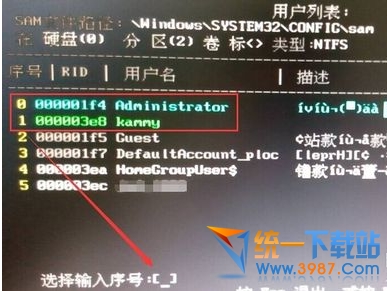
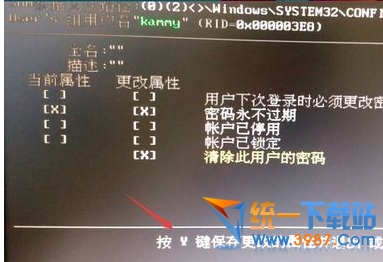
忘記開機密碼可用 PE 系統離線清除:
原理:PE 環境下修改 SAM 資料庫清除密碼雜湊值。僅限本機帳號,微軟線上帳號需線上重設。
Win10 預覽版安裝與升級完整指南:ISO 掛載升級、保留選項、虛擬機/雙系統建議
Win10 9888 升級/安裝方式總覽:ISO 掛載/U盤/硬盤/VHD/軟媒工具多路徑可選
「雲思想」安裝 Win10 步驟:從開機媒體啟動到進入安裝程式的完整流程
Windows 10 C 碟空間暴增原因分析與解決方案 (FileRepository 資料夾)
Win10 「此應用程式無法在您的電腦上執行」相容模式解決
Windows 10 工作列時鐘圖示消失怎麼辦?任務列屬性啟用系統圖示
Windows 10 桌面顯示系統圖示的設定方法
Windows 10 Edge 最小化後無聲音:隱私權設定開啟 Edge 背景應用程式權限