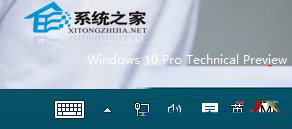
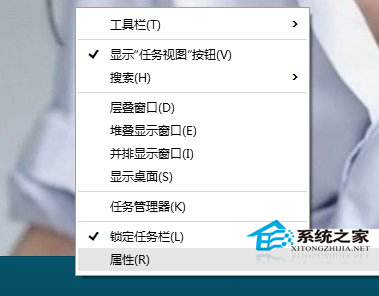
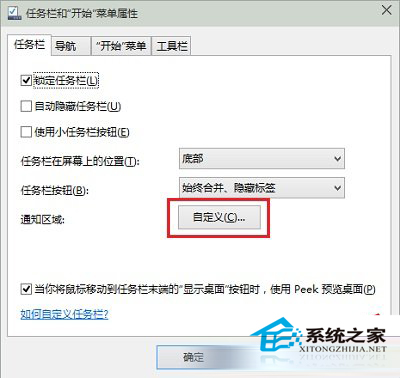
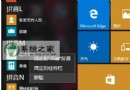
右下角時鐘不見了?屬於系統圖示被隱藏,啟用步驟:
同樣可控制音量、網路、輸入法、操作中心等系統圖示顯示/隱藏。
Win10 定位服務無法開啟 (灰色不可用)?啟動 Geolocation Service 服務即可恢復
Windows 10 內建磁碟管理快速分區:壓縮現有磁區建立新簡易磁區完整圖文教學
Windows 10 Build 9860 Data Sense 流量監控:查看總用量、各 App 耗費、設定背景限制(功能尚未完整啟用)
Win10 系統連接藍牙耳機完整教學:從驅動安裝到配對連線
管理 Win10 開始功能表/開始畫面的 10 大絕招:模式切換、大小調整、色彩、內容自訂、全螢幕模式
Windows 10 重裝系統完整圖文教學:從備份到驅動安裝一步到位
Win10 無法調整螢幕亮度?註冊表修改 FeatureTestControl 解決
Win10 開機密碼輸入框消失解決方案:進入安全模式恢復正常啟動模式