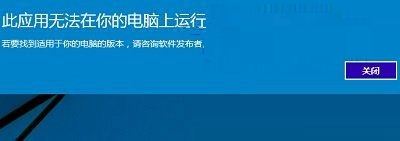
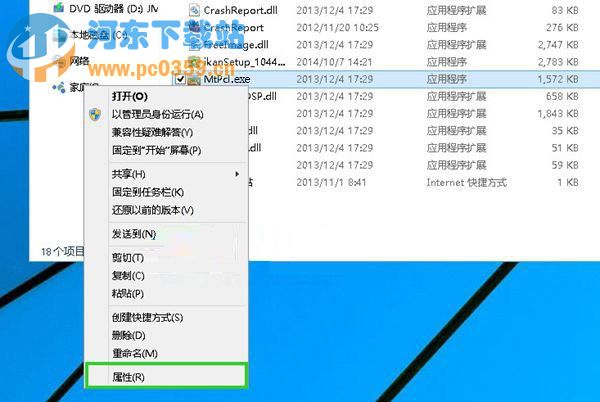
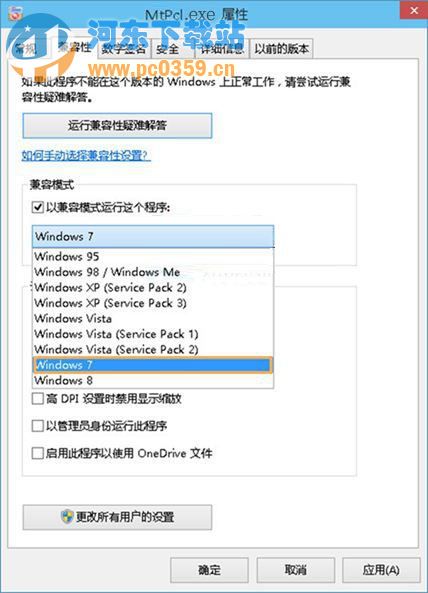
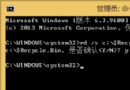
安裝舊版軟體提示「此應用程式無法在您的電腦上執行」,通常為系統與程式架構不符 (如 32/64 位元差異)。透過相容模式可解決:
若跳出使用者帳戶控制 (UAC) 提示,點「是」繼續。
Win10 14393.187 更新修復了哪些 Bug?詳細清單一覽
多系統環境已裝 Win10 仍彈出升級推廣?6 種關閉 GWX 推送方案:結束進程、隱藏圖示、解除安裝 KB3035583、專用工具、關閉更新、PE 系統清理
Win10 設定頁面命令大全:ms-settings: 協定一鍵直達功能頁面 (含完整清單)
Win10 任務列移回螢幕底部的兩種快速方法
Windows 10 技術預覽版開機黑屏過久的解決方法
Windows 10 刪除多餘無線網路設定檔(忘記網路)教學
Win10 開啟 Windows Defender 完整圖文教學(含排除第三方防毒衝突)
Windows 10 系統最低硬體需求完整規格表