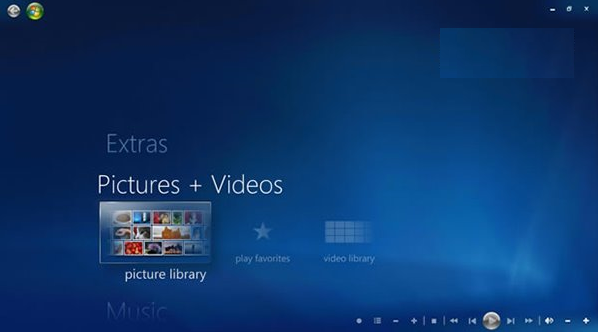
部分用戶嘗試用 Windows 8.1 產品金鑰為 Windows 10 添加 Windows Media Center 功能,結果導致系統顯示「未授權」、無法接收 Windows Update 更新。微軟官方已確認此問題並發表聲明。
問題現象
- 輸入 Win8.1 金鑰添加 Media Center 後,系統聯網驗證失敗
- 桌面右下角出現「Windows 未授權」水印
- Windows Update 停止運作,無法下載任何更新
官方說明
「在 Windows 10 技術預覽版發布前,我們未預料到用戶會使用 Win8.1 金鑰添加 Media Center。不建議進行此操作,因會阻擋更新。解決方法:保留檔案與設定,使用 Win10 安裝映像重裝一次系統。」
背景知識
- Windows Media Center 自 Windows 8 起為付費附加元件(Win8 Pro 可付費添加)
- Windows 10 **已移除 Media Center**,不再支援此功能
- 技術預覽版授權機制與零售版不同,混用金鑰會污染授權狀態
補救步驟
- 備份重要資料
- 使用 Windows 10 ISO 啟動安裝程式
- 選擇「自訂:僅安裝 Windows」→ 選擇原系統分割區 → 選擇「保留個人檔案與應用程式」(若可用)或「保留個人檔案」
- 完成重裝,授權狀態恢復正常