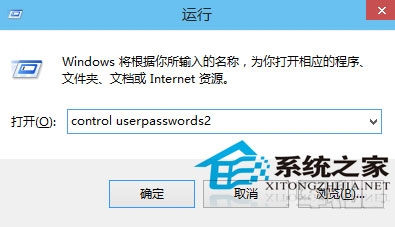
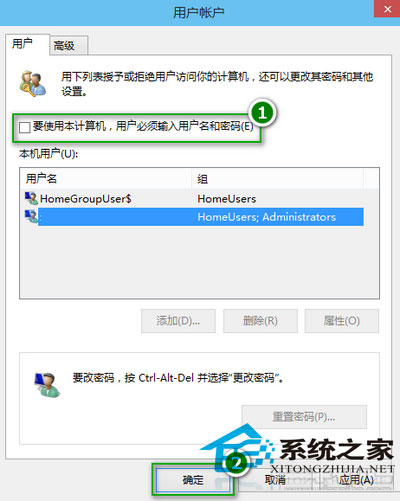
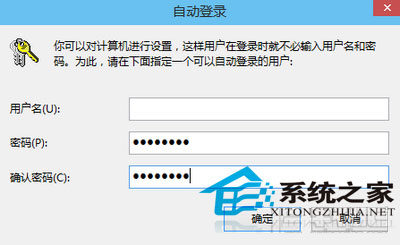
control userpasswords2
此法保留密碼但免輸入,同時維持面向網路的安全性。過於複雜的密碼可用此法簡化開機流程。
Windows 10 回復上一版本 (回滾) 完整教學:條件、步驟與注意事項
Win10 取消啟動延遲,加速桌面程式載入速度(登錄編輯教學)
Win10 工作列網路圖示黃色驚嘆號?註冊表一鍵移除誤判標記
解決 Win 10 任務列右下角不顯示 QQ 圖示的方法
Win10 重置還原出廠預設:設定→更新與安全性→復原→重置此電腦→保留我的檔案/移除所有內容→僅移除我的檔案(快速)→初始化
Win10 右鍵選單缺少「新增」項目?修復登錄表 New 鍵值恢復建立資料夾功能
Win10 技術預覽版 9860 安裝後無聲音?三招快速修復
Win10 預覽版提示「內部版本即將過期」:請升級新預覽版或改裝正式版