包含 Windows Defender 與第三方防毒即時掃描,部分用戶反映關閉後即可正常安裝。
至 Microsoft Update Catalog 搜尋 KB3097617 下載對應版本 .msu 執行安裝,常能繞過線上更新失敗問題。
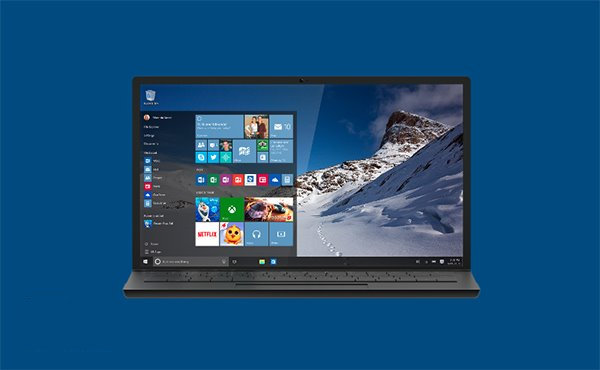
為何 Windows 10 被稱為「最後一版 Windows」?解析 Windows as a Service 策略
Windows 10 正式版升級常見問題完整 Q&A:授權、硬體、回滾、隱私一次看
Win10 Edge 顯示首頁按鈕:設定 → 進階設定 → 開啟「顯示首頁按鈕」
Win10 無限自動重啟徹底解決:BCD 編輯 + 磁碟檢查 + 系統檔案修復三步走
Windows 10 預覽版無法卸載:唯有重新安裝原系統或還原備份
Windows 10 應用程式商店無法存取/錯誤代碼:UAC 關閉導致、伺服器端故障、網路緩慢多因素分析