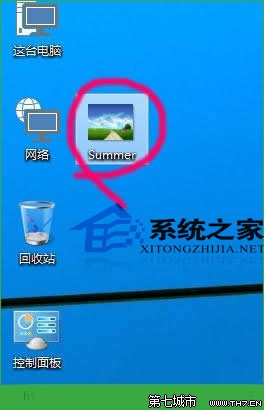
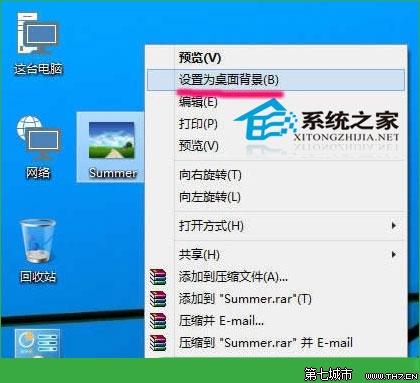
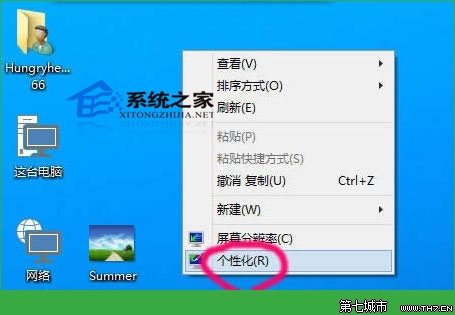
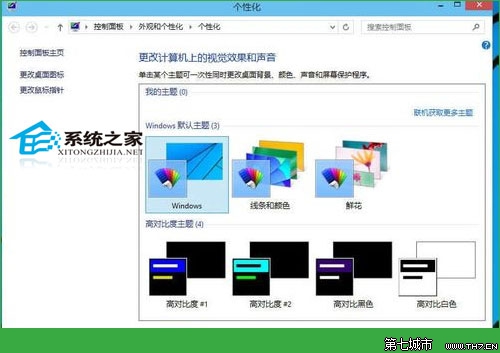
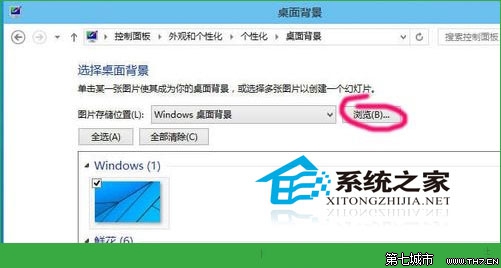
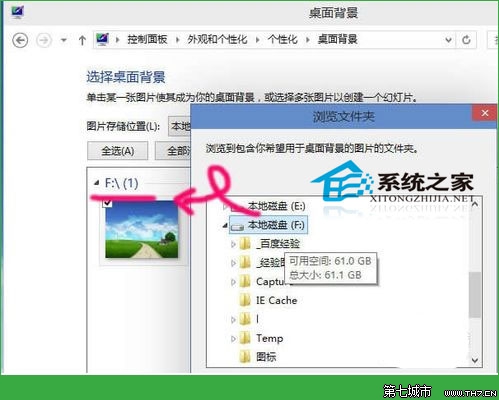
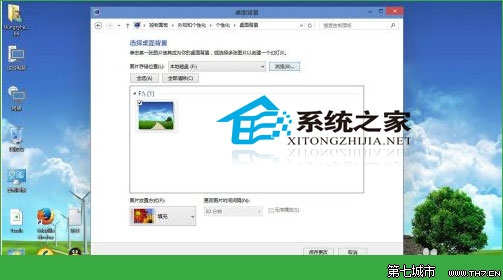
找到喜歡的圖片(解析度勿太低) → 右鍵 → 「設定為桌面背景」(預設為填滿模式)。
更換心儀背景,讓工作休息時眼睛與心情都能放鬆。
Win10 筆電風扇轉速過快噪音大?改用「被動式散熱」降低風扇轉速
Win10 玩遊戲怎麼樣?DirectX 12、虛擬桌面、分螢幕提升體驗
Win10 字體與程式視窗模糊不清?註冊表調整 DPI 徹底解決
Win10 取消「快速存取」固定資料夾:右鍵選「從快速存取取消固定」還原乾淨導覽列
Surface Pro 4 Win10 無法連 Wi-Fi?六大官方解決方案完整攻略
Win8 升級 Win10 報錯 800703f1?重置 Windows Update 元件修復
Win10 清理系統暫存檔:內建儲存體感知器一鍵釋放空間
Windows 10 執行星海爭霸 (StarCraft) 畫面顯示不全解決方案:相容性設定停用高 DPI 縮放