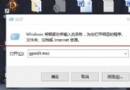
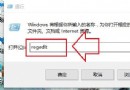
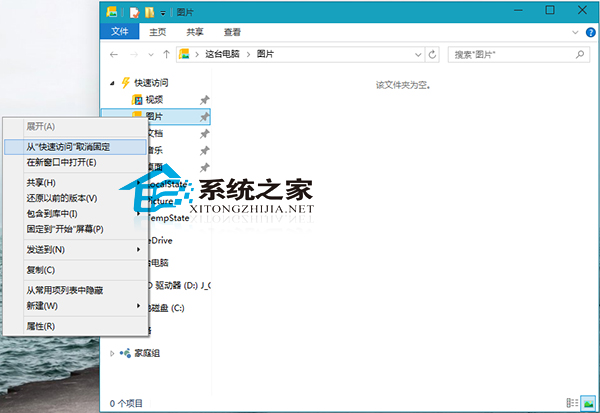
Windows 10 「快速存取」預設固定常用資料夾,若不需可移除:
進階技巧: 若希望功能區 (Ribbon) 永遠展開提升操作效率,可參考「Win10 資料夾永遠顯示功能區」教學設定。
Win10 應用商店快取損壞?卸載重裝 + 移除 360 安全軟體徹底修復
Windows 10 停用 IE 瀏覽器:同樣透過「開啟或關閉 Windows 功能」隱藏 IE11
Windows 10 一週年更新六大新功能:安全、Windows Ink、Cortana、Edge、遊戲、教育
Windows 10 徹底移除 Fences 軟體:軟媒魔方智能卸載進階教學 (含避坑指南)
Windows 10 Charms 列 (超級按鈕) 使用教學與喚出方式
Win10 快速開啟 Hosts 檔案?執行 notepad 指令直接編輯