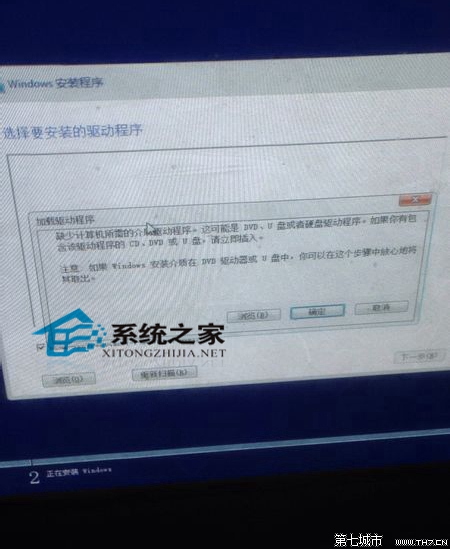
不想折騰硬體相容性,推薦使用 VMware 虛擬機安裝 Win10 體驗,最省時無風險。
Windows 10 開啟行動熱點導致銳捷掉線?用 Wi-Fi 共享大師解決
Win10 電腦莫名自動重開機?關閉「系統失敗自動重新啟動」一勞永逸
Win10 開始選單打不開?重啟 User Manager 服務快速修復
Win 10 解除安裝已安裝的系統更新補丁教學
Win10 檔案總管快速查看圖片尺寸與大小兩種方法
Win10 顯示/隱藏檔案副檔名:檔案總管一鍵切換
Win10 CMD 命令提示字元執行結果如何輸出到文字檔?重導向與附加模式完整教學
Win10 平板模式如何開啟 Tablet PC 輸入面板?工具列啟用手寫輸入