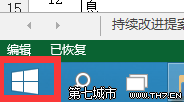
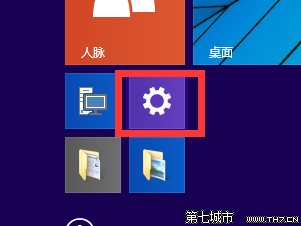
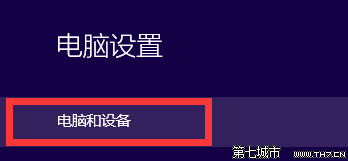
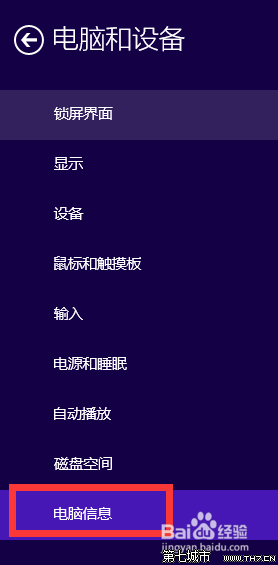
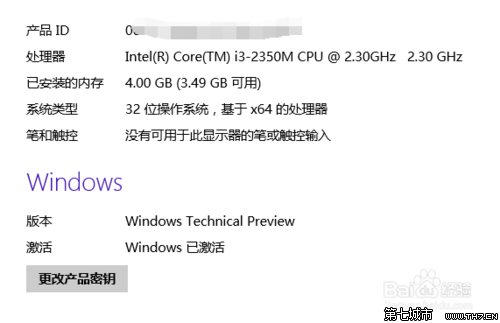
備註:此法查詢資訊較集中,亦可用傳統「這台電腦」右鍵屬性查看。
Win10 找不到開始選單?任務列屬性勾選「使用開始選單而非開始畫面」→ 登出/重新登入即可恢復
Win10 10074 更新內容完整彙總:UI、高 DPI、毛玻璃、平板模式、多工、音效、小娜、應用商店等
Win10 內建「郵件」App 新增帳號完整教學:Outlook、Gmail、自訂 IMAP/POP 全支援
Win10 Cortana 小娜頭像更換完整指南(含卡頓應對)
Win10 新增工具列:將常用資料夾釘在工作列秒開
Win 10 無法玩 LOL (英雄聯盟)?相容性問題與替代方案
Win10 登錄檔被誤修改如何還原:命令提示字元修復指令
Windows 10 鎖定螢幕兩大快速啟用法:Win+L 與 開始選單帳戶選單