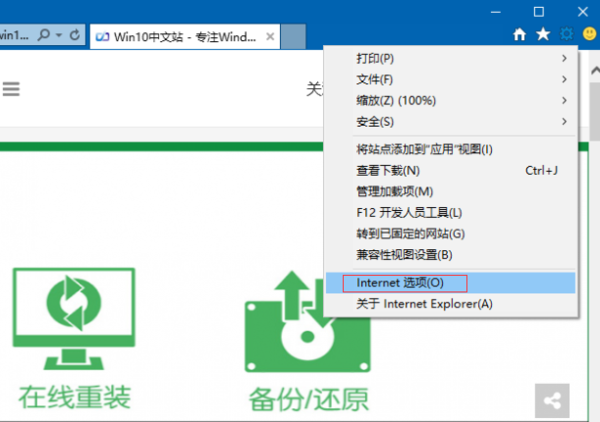
IE 11 在 Windows 10 出現無法啟動、頻繁當機,常見原因為增益集衝突或元件異常。修復步驟:
iexplore -extoff → Enter。IE 11 核心元件與系統深度整合,系統不穩定易影響 IE 運作。
VS 圖形診斷 Direct3D11 失敗?安裝「圖形工具」可選功能即可
Windows 10 「上帝模式」啟用完整教學:Shell 指令開啟全設定資料夾、建立桌面捷徑、釘選工作列
Win10 多視窗 QQ 聊天合併在工作列怎麼分開?工作列設定選「永不合併」
驅動人生一鍵解決 Win10 驅動與常用軟體安裝:驅動修復+裝機大師雙核心
Win10 磁碟清理完整教學:釋放 C 槽空間、刪除系統垃圾檔案
Win10 正式版基本定型,進入修補階段,預計 6 月 RTM、8 月釋出
Win10 移除桌面右下角版本水印:去水印工具 Remove all watermark 一鍵操作 (附副作用:系統屬性版本名稱消失)