Win10 預覽版桌面右下角會顯示版本組建水印 (如「Windows 10 Pro Insider Preview 10041」)。移除方法:
使用去水印工具
- 下載去水印工具 (如 Universal Watermark Disabler 等)。
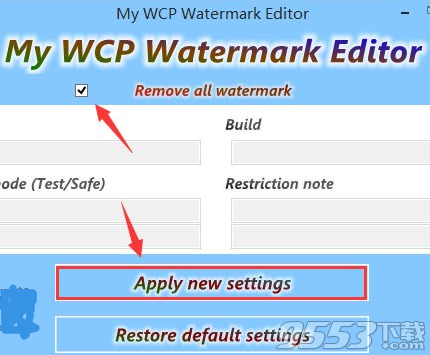
- 勾選「Remove all watermark」 → 點選「Apply new settings」。
- 檔案總管將重新啟動,稍等片刻完成。
效果與副作用
- 桌面水印消失。
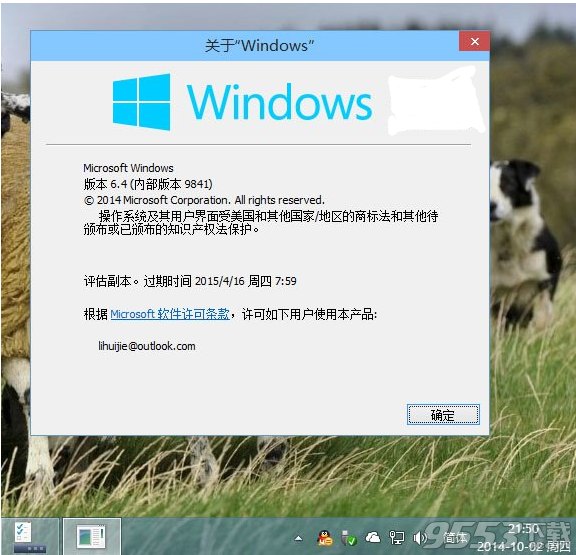
- 副作用:「系統屬性」 (Win+Pause) 中「Windows 版本」名稱將無法顯示 (空白)。
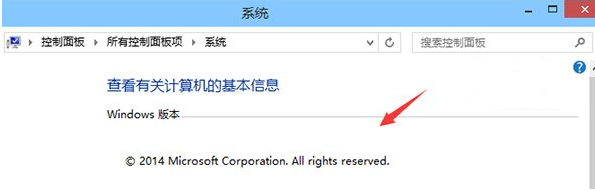
說明
水印為預覽版標識,正式版無水印。移除工具修改系統檔案 (如 user32.dll.mui),可能觸發系統檔案保護 (SFC) 修復,導致水印再次出現。建議正式版釋出後重新安裝正式版。