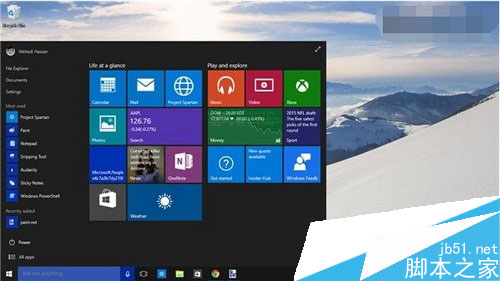
Build 10056 透明化界面關閉注冊表法,僅限此版本,新版本已有圖形介面控制。
regedit.exe
HKEY_CURRENT_USER\SOFTWARE\MICROSOFT\WINDOWS\THEMES\PERSONALIZE
EnableTransparency
0
1
Win10 以系統管理員身分開啟命令提示字元 (CMD) 三大法
Windows 10 如何進入進階啟動選單(安全模式、疑難排解)?設定應用程式兩步直達
Win10 解決寬帶撥號後自動開啟 Bing 網頁:群組原則關閉 NCSI 活動測試
Win10 更新 9860 後介面文字顯示不全?安裝 KB3008956 修補程式即可修復
Windows 10 啟動失敗怎麼辦?等待一段時間再試或確認金鑰正確性
Windows 10 Microsoft Store 打不開?刪除 LocalCache 快取資料夾修復教學
Win10 Build 9879 關閉快速啟動,避免硬碟潛在損壞風險
Win10 使用彩色主題時強制標題列保持白色:個人化設定一鍵關閉「在標題列顯示顏色」