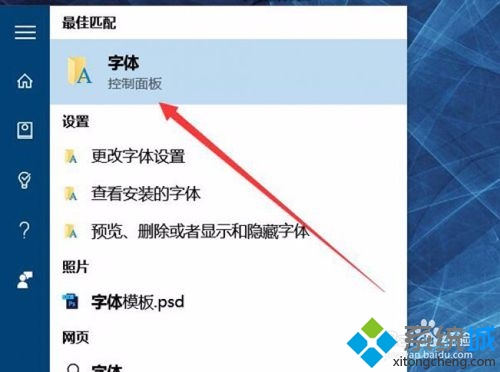
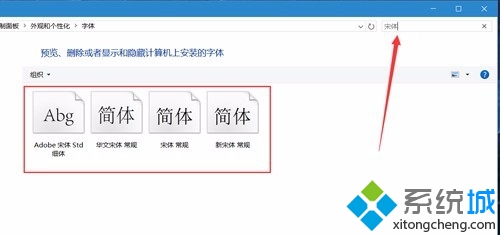
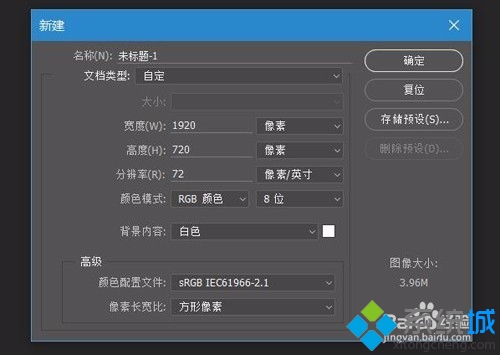
Win 10 Photoshop CC 選單亂碼解決法:重裝宋體字型
亂碼主因系統預設中文字型損毀或遺失,覆蓋安裝宋體即可修復。
Win10 如何將美式鍵盤設為預設輸入法?設定介面兩步驟
Win10 升級 TH2 失敗錯誤 0xc1900101-0x30018?啟動核心更新服務解決安裝受阻
Windows 10 內建防火牆與 Windows Defender 使用介紹
Win10 PIN 碼無法使用?啟用 IPsec Policy Agent 服務即可恢復
Win10 正式版啟用暗黑皮膚主題:同 ID 22408 自建 .theme 檔導入系統級深色介面
Windows 10 更新 1511 失敗反覆藍畫面處理方案:收集 DMP 檔案分析
Windows 10 磁碟配額設定教學:限制使用者磁碟空間使用量
Win10 自訂視窗標題列高度與捲動條寬度:註冊表 WindowMetrics 微調像素級尺寸