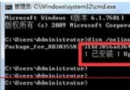
Windows 10 隱藏了體驗指數 (WEI) 圖形介面,但核心功能仍保留。找回評分步驟:
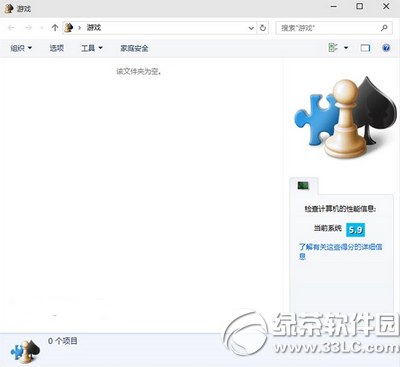
shell:Games
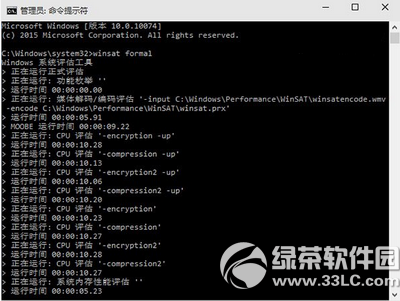
winsat formal
微軟認為 WEI 已無必要,第三方基準測試軟體 (如 3DMark、PCMark) 功能更完整。一般使用者無需強迫使用。
騰訊電腦管家升級 Win10 完整圖文教程:檢測、下載、安裝、激活一條龍
Win10 IE11 刪除瀏覽歷史記錄:右鍵開啟選單列 → 工具 → 刪除瀏覽歷史記錄 → 全勾選 → 刪除
Windows 10 如何加入網域?兩種方式:系統屬性與設定應用程式
Win10 更新文件離線分發:單機下載、複製到 U盤、多機離線安裝全流程
Win10 強制升級不等待推送:停用 Windows Update 服務 → 刪除 SoftwareDistribution\Download → 重啟服務 → 執行 wuauclt.exe /updatenow 立即檢查
Win10 預覽版提示「內部版本即將過期」:請升級新預覽版或改裝正式版
Win10 刪除本機帳戶完整教學:控制台圖形化操作與資料保留選項說明
Win10 任務列圖示透明化:修改登錄讓圖標融入背景