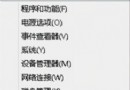
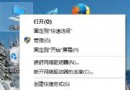
想知道電腦安裝的是哪個 Windows 10 版本(如 1909、20H2、21H1 等)?除了在 [設定] → [系統] → [關於] 中查看外,使用命令提示字元(CMD)執行簡單指令即可快速取得詳細版本資訊。
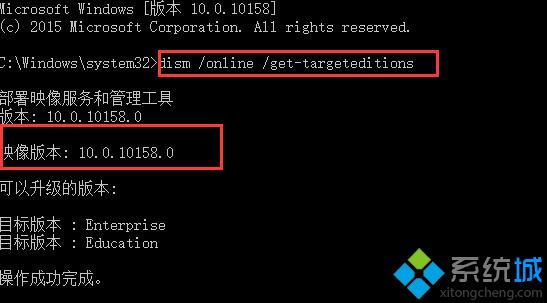
dism /online /get-targeteditions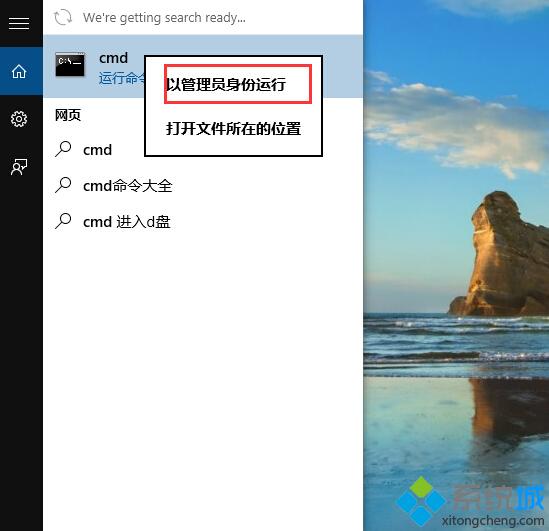
winver 彈出視窗顯示版本。透過上述方法,您可以輕鬆確認系統版本,以利驅動程式更新或軟體相容性檢查。
Windows 10 查看已啟用產品金鑰 (序號) 兩大神器教學:AIDA64 與 軟媒魔方
Windows 10 刪除搜狗輸入法頑固檔案 SogouExe:取得檔案擁有權強制刪除法
Windows 10 關機/重開機失效四大替代方案:開始選單、右鍵選單、命令列、Alt+F4
Win10 存取區網共用彈出「輸入網路憑證」?兩種解法:設定密碼或登錄表允許不安全訪客存取
Windows 10 正式版 USB 隨身碟版購買指南:亞馬遜預購價格、出貨時間與替代管道
Win10 直通車驅動檢測未通過?升級驅動失效則刪除驅動註冊表與檔案通用解法
Windows 8.1 vs Windows 10 十大差異深度解析:價格、裝置支援、開始選單、應用視窗、虛擬桌面、Xbox、Office、Cortana、Edge、CMD