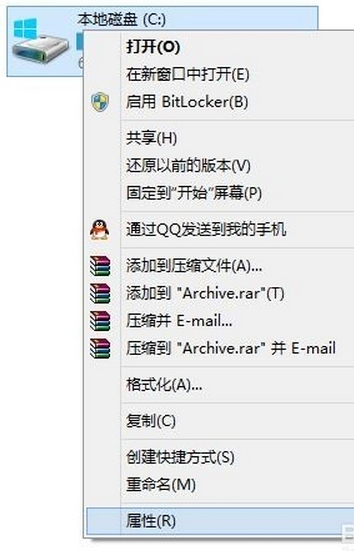
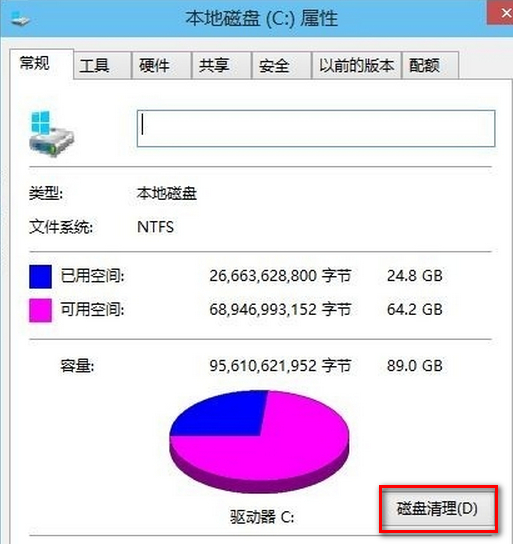
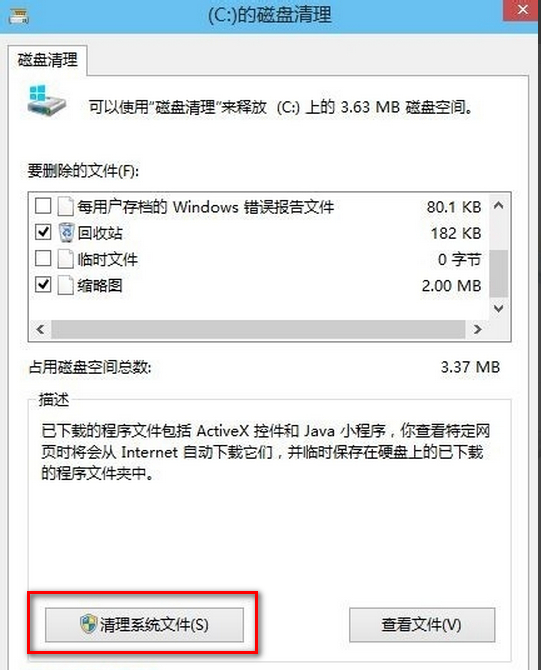
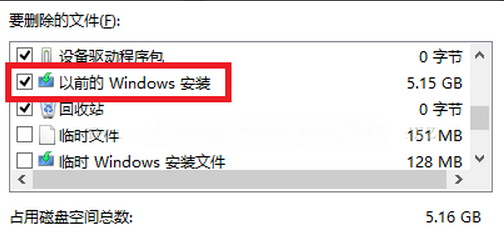
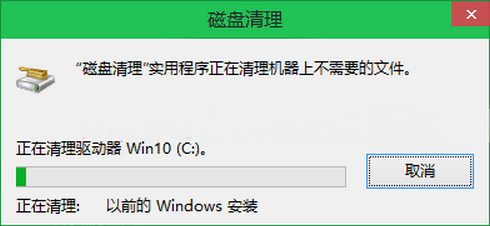
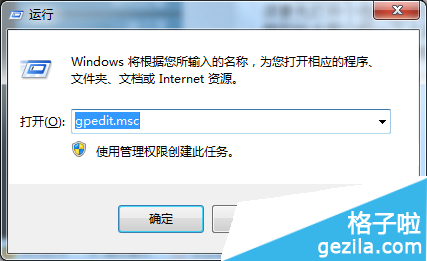
升級 Windows 10 後,舊系統檔案會保存在 C:\Windows.old,佔用數 GB 空間。使用內建「磁碟清理」即可安全移除:
C:\Windows.old
Windows.old
注意:刪除後無法復原至舊版 Windows。確認新系統穩定、驅動相容、重要檔案已備份後再執行。若磁碟清理無法移除,可參考「取得 TrustedInstaller 權限強制刪除」進階方法。
Win10 登錄編輯器右鍵跳轉同名鍵值:編輯登錄效率神器,菜鳥也能秒變高手
Windows 10 正式版版本選擇指南:免費升級版本對應表與 ISO 下載建議
Win10 產品金鑰過期怎麼換?設定「啟用」頁面輸入新金鑰重新授權
Win10 如何關閉輸入法語言列?新版語言列設定完整教學
Win10 快速啟動設定教學 (重複內容優化版):電源選項開啟/關閉、完全關機技巧
Win10 Metro/UWP 應用開發優化指南:介面設計、輸入體驗與現代化開發注意事項
Win10 變更桌面與暫存資料夾路徑:釋放系統碟空間完整教學
Win10 註冊表編輯器新功能:右鍵選單「Go to」快速跳轉對應機碼