Windows 10 內建無障礙功能可快速調整滑鼠指標外觀,無需第三方工具:
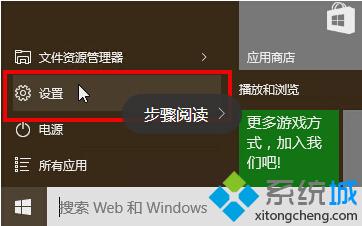

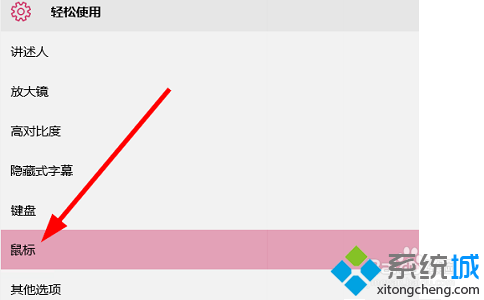
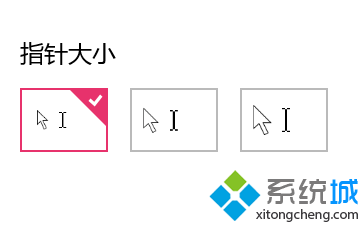
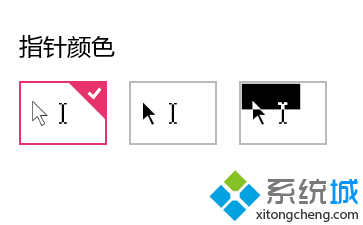
設定即時生效,不滿意可隨時回到此頁恢復預設。此功能對視力不佳用戶或高解析度螢幕特別實用。
Win10 Build 9901 強化 Storage Sense 儲存感知:新增「儲存位置」設定,可指定應用/媒體預設路徑
Win10 開機彈出 JS 腳本錯誤?多半是中毒,殺毒軟體全盤掃描解決
Win10 透過 Win+R 進入安全模式 (msconfig) 完整圖文教學
Win10 關閉寬帶連線彈出提示框:Internet 選項連線分頁刪除 PPPoE 連線設定
Win10 程式「不受信任」無法執行?啟用內建 Administrator 帳戶解決
Win10 修改登入介面背景執行 Login.ps1 失敗?PowerShell ISE 選取執行繞過限制