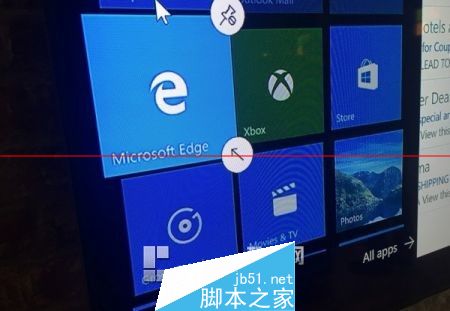
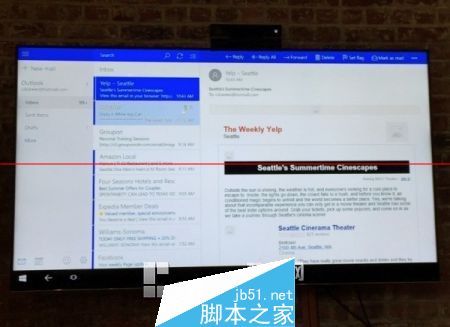
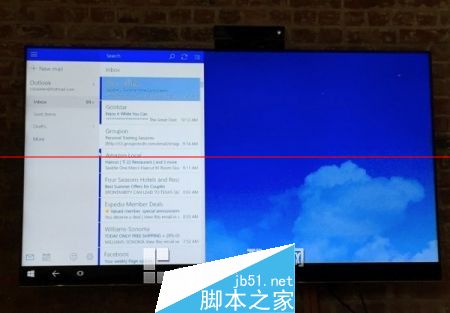
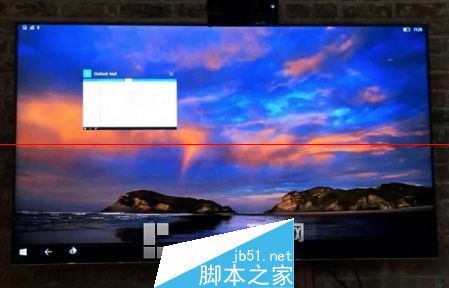
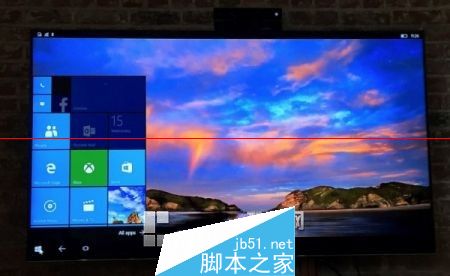
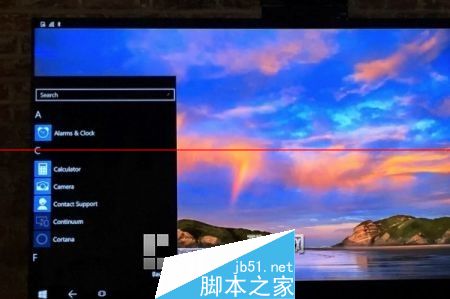
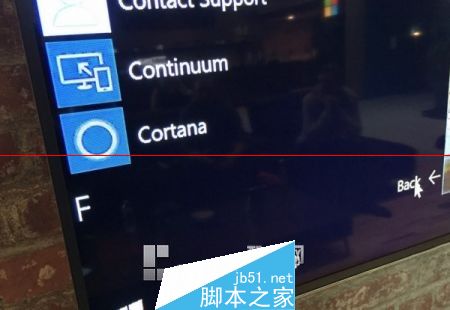
Windows 10 Mobile 核心功能「Continuum 連續體」讓支援手機透過外接螢幕、鍵盤、滑鼠,獲得類桌面體驗。配合 UWP 通用應用程式平台,Office、Edge、通用應用程式自適應大螢幕介面,支援滑鼠右鍵、拖曳、快捷鍵、多視窗操作。
🔧 運作原理與硬體需求
- 手機端:需支援 Continuum 的高階手機 (Snapdragon 808/810/820 等,如 Lumia 950/950 XL、HP Elite x3、Acer Jade Primo)。
- 外接顯示:Miracast 無線投影 (電視/顯示器支援) 或 DisplayPort/HDMI 轉接器 (有線)。
- 輸入裝置:藍牙鍵盤/滑鼠,或 USB-C/USB-OTG 有線連接。
- 系統:Windows 10 Mobile (Build 10586 以上正式支援)。
🖥 體驗細節
- 桌面環境:外接螢幕顯示類 Win10 桌面:工作列、開始選單、動作中心、多視窗並列、任務檢視。
- 手機螢幕:可同時作為觸控板/虛擬鍵盤/第二螢幕/繼續顯示手機介面 (獨立運作)。
- UWP 應用程式自適應:Outlook、Word、Excel、Edge、通用應用程式在大螢幕自動切換為桌面版介面:功能區、右鍵選單、拖曳、快捷鍵全支援。
- Win32 應用程式:ARM 架構手機不支援 傳統 x86 Win32 應用程式 (需 x86 手機或雲端串流)。
💡 企業應用價值
- 單一裝置滿足行動辦公與會議室簡報/文書處理。
- 降低 IT 硬體成本:減少筆電/平板採購。
- 資料安全:資料留在手機加密儲存,外接螢幕無資料殘留。
- 配合 Azure AD / Intune 管理,企業級安全合規。
⚠️ 限制與發展
- 需高階手機硬體 (效能門檻高),中低階機型不支援。
- Miracast 穩定性受環境干擾影響,有線連接更穩定。
- 應用程式生態:UWP 應用程式數量/品質曾為短板,現已停止開發。
- Windows 10 Mobile 已於 2019/12/10 終止支援,Continuum 功能隨之停止更新。
- 精神繼承者:Windows 11 平板模式、Android DeX、Samsung DeX、Motorola Ready For、iPadOS Stage Manager。