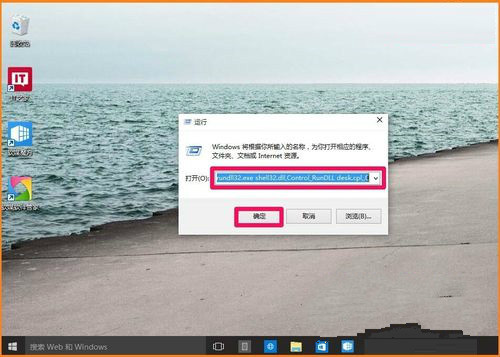
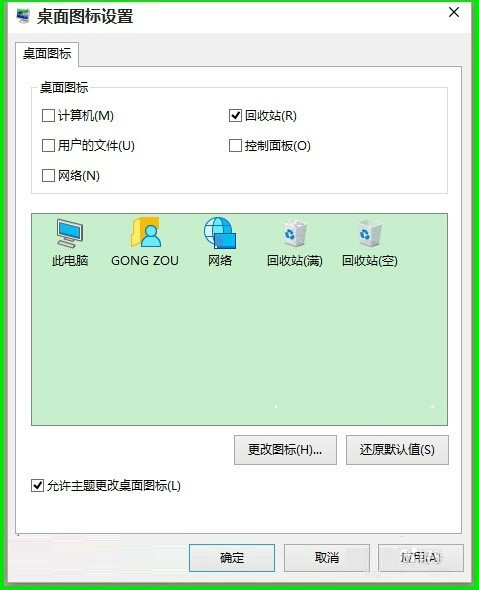
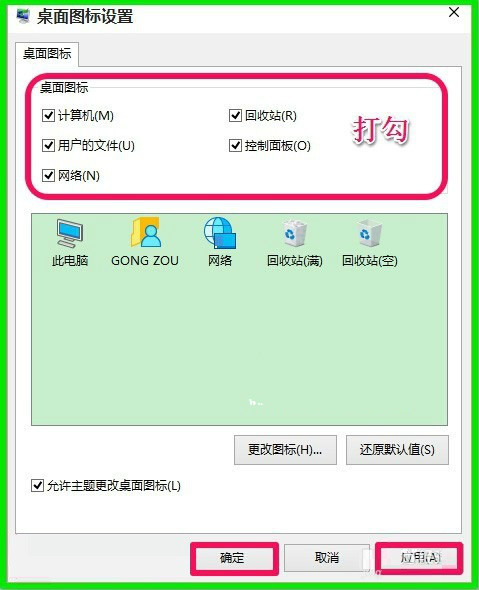
rundll32.exe shell32.dll,Control_RunDLL desk.cpl,,0 → Enter。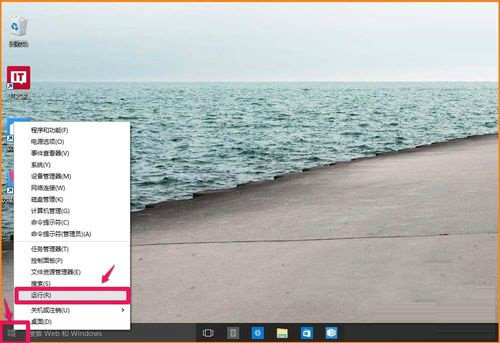
Win10 升級報錯 0xc1900101-0x30018?卸載防毒軟體與顯卡驅動解決不相容
Win10 UWP 版 Twitter 更新 v5.2.0.0:引用轉發自推、穩定性提升
Windows 10 Build 10240 UAC 使用者帳戶控制 Bug:不降低桌面亮度時 Modern 應用授權對話框被遮擋
Win10 寬帶連線錯誤 651 解決全攻略:Modem、線路、ISP 三層排查
Win10 天氣磚無法顯示當地天氣:手動輸入城市 → 設定 → 使用偵測位置 → 啟動位置選擇本地地址
Windows 10 進入安全模式常見方法:三大入口統整 (含 WinRE)