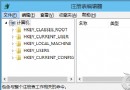
Windows 10 桌面或檔案總管右鍵選單彈出延遲數秒,主因是安裝軟體過多,在登錄表 HKEY_CLASSES_ROOT\Directory\Background\shellex\ContextMenuHandlers 累積大量第三方擴充功能(壓縮軟體、雲端同步、顯卡控制面板等)。保留系統預設 New 項目,刪除其餘項目可大幅改善速度。
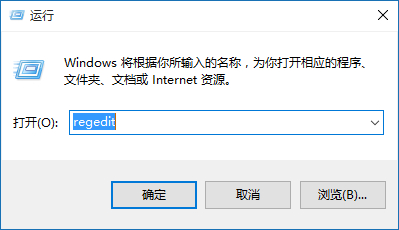
regedit 開啟登錄編輯器。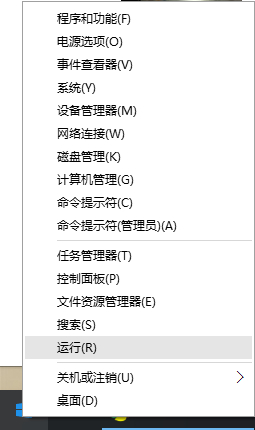
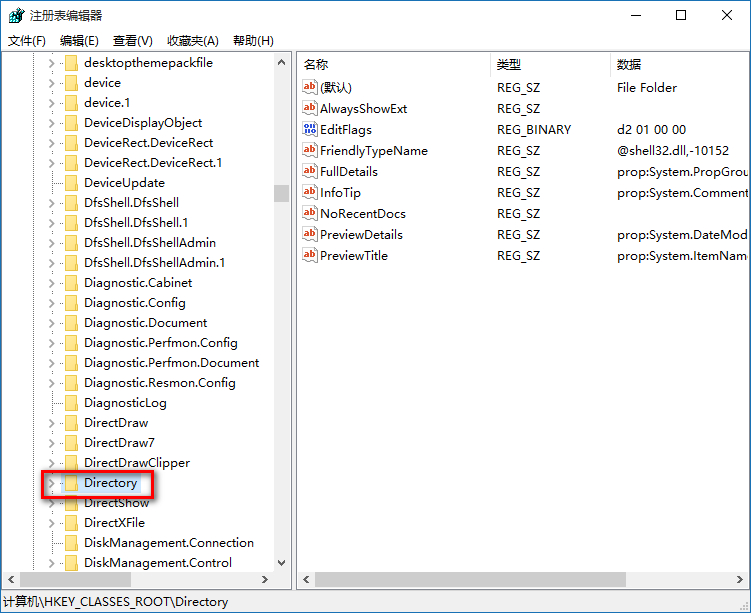
HKEY_CLASSES_ROOT\Directory\Background\shellex\ContextMenuHandlers。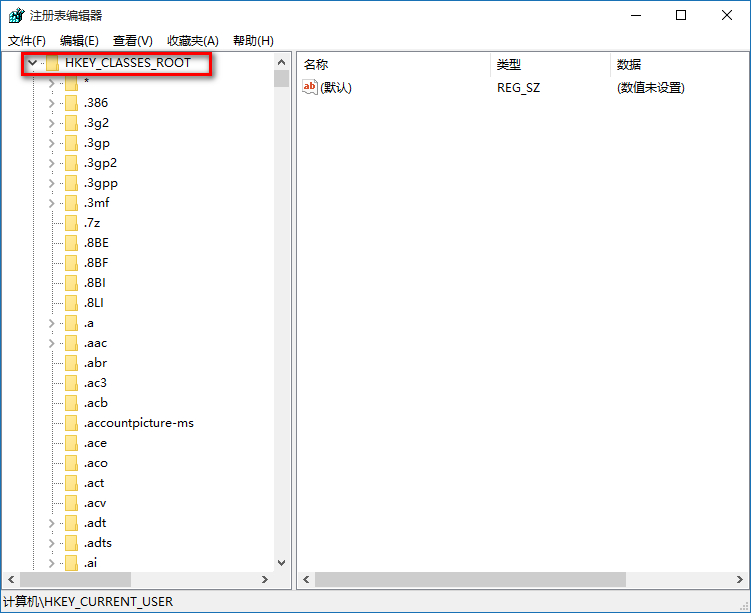
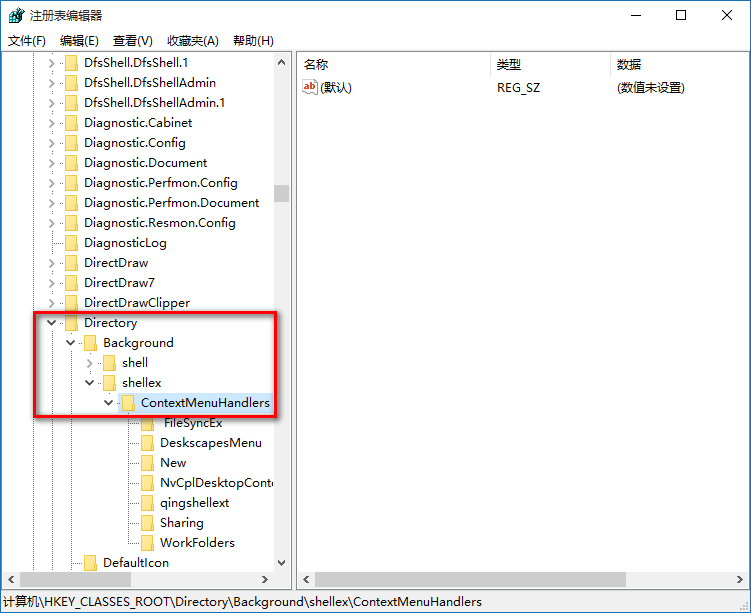
ContextMenuHandlers 下,僅保留 New 資料夾,其餘資料夾右鍵刪除。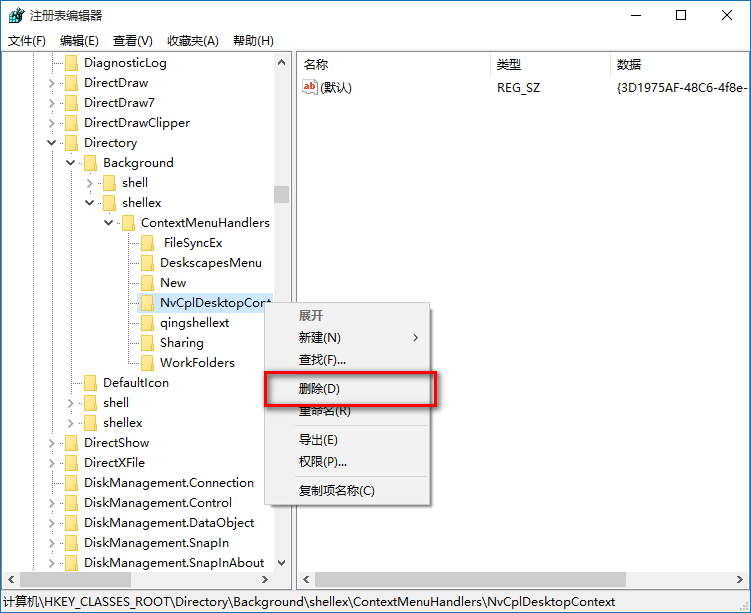
ContextMenuHandlers > 「匯出」)。HKEY_CLASSES_ROOT\*\shellex\ContextMenuHandlers (檔案右鍵) 和 HKEY_CLASSES_ROOT\Directory\shellex\ContextMenuHandlers (資料夾右鍵) 亦可同理清理。使用「軟媒魔方」>「設定大師」>「右鍵選單」>「檔案物件關聯選單」視覺化管理,風險較低。