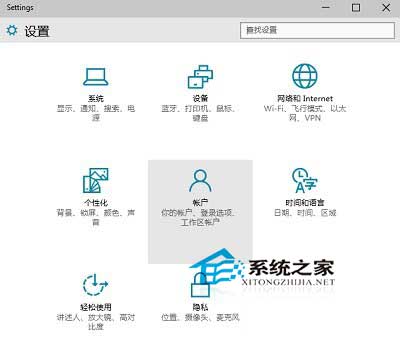
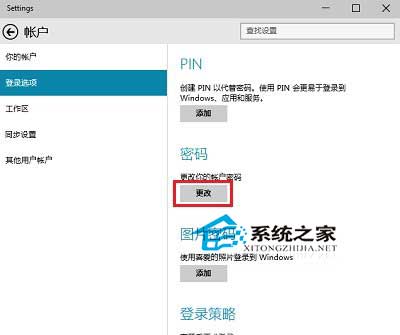
使用 Microsoft 帳戶(Outlook/Hotmail/Live)登入 Windows 10 時,修改密碼會同步更新所有微軟服務(OneDrive、Office 365、Xbox、Skype 等)。操作路徑:設定 → 帳戶 → 登入選項 → 密碼 → 變更。
Win10 禁止特定裝置驅動自動更新:群組原則精準封鎖 GUID 教學
Win10 重置後出現 INACCESSIBLE_BOOT_DEVICE 藍屏?安全模式停用/更新顯卡驅動即可修復
Win10 10074 啟用開始選單 Aero 毛玻璃效果:登錄 EnableBlurBehind=1
Win10 工作列 QQ 聊天視窗重疊?設定「永不合併」即刻解決
Windows 10 命令提示字元(CMD)重大改進:支援複製貼上、視窗最大化、自動換行與透明度調整
Win10 小娜沒聲音?將揚聲器設為預設播放裝置即可恢復語音回饋